




Black Friday Gaming Keyboard Deals: 7 Specs to Compare Before You Buy
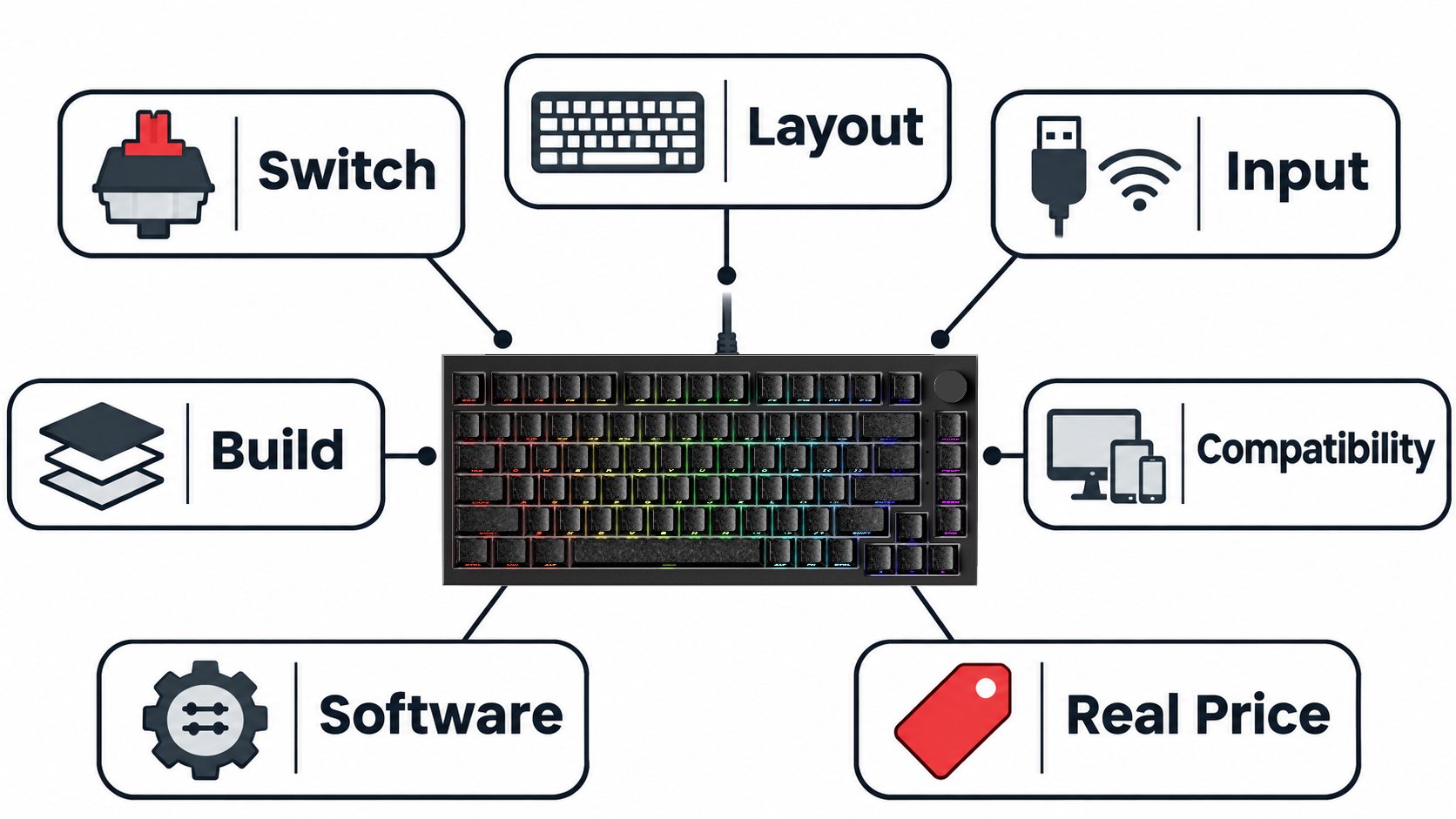
Black Friday makes price comparison easy and value comparison harder. Two keyboards can carry the same discount while using different layouts, switch technologies, software, and upgrade paths. The percentage badge says little about whether either one suits your games or your desk.
A useful deal is a discounted keyboard with specifications you will still care about after the sale ends.

1. Switch Technology and Feel
The switch shapes most of the physical experience, so it is the best place to start.
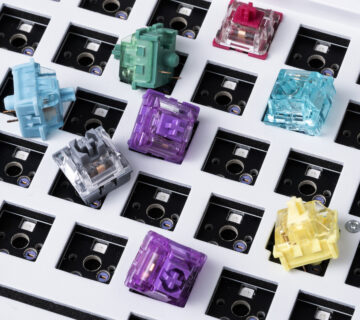
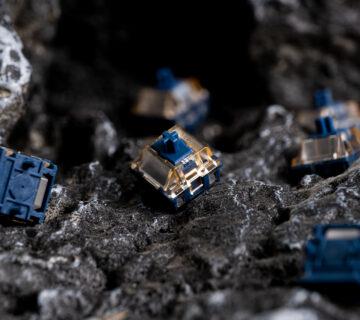
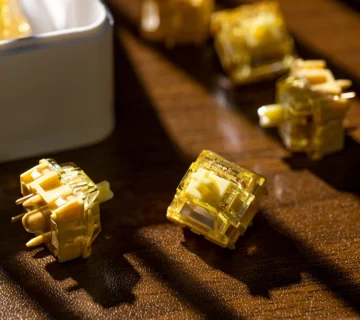
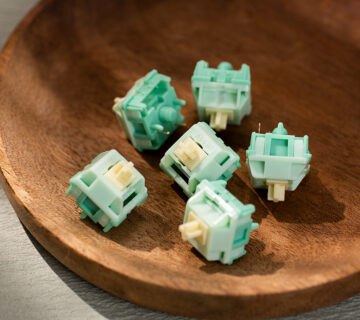
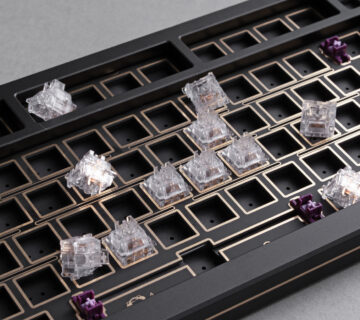
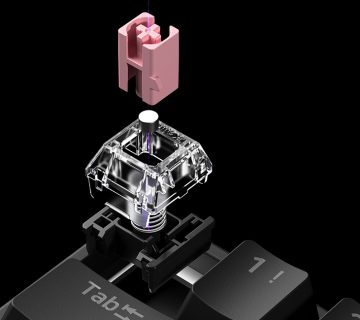
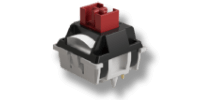
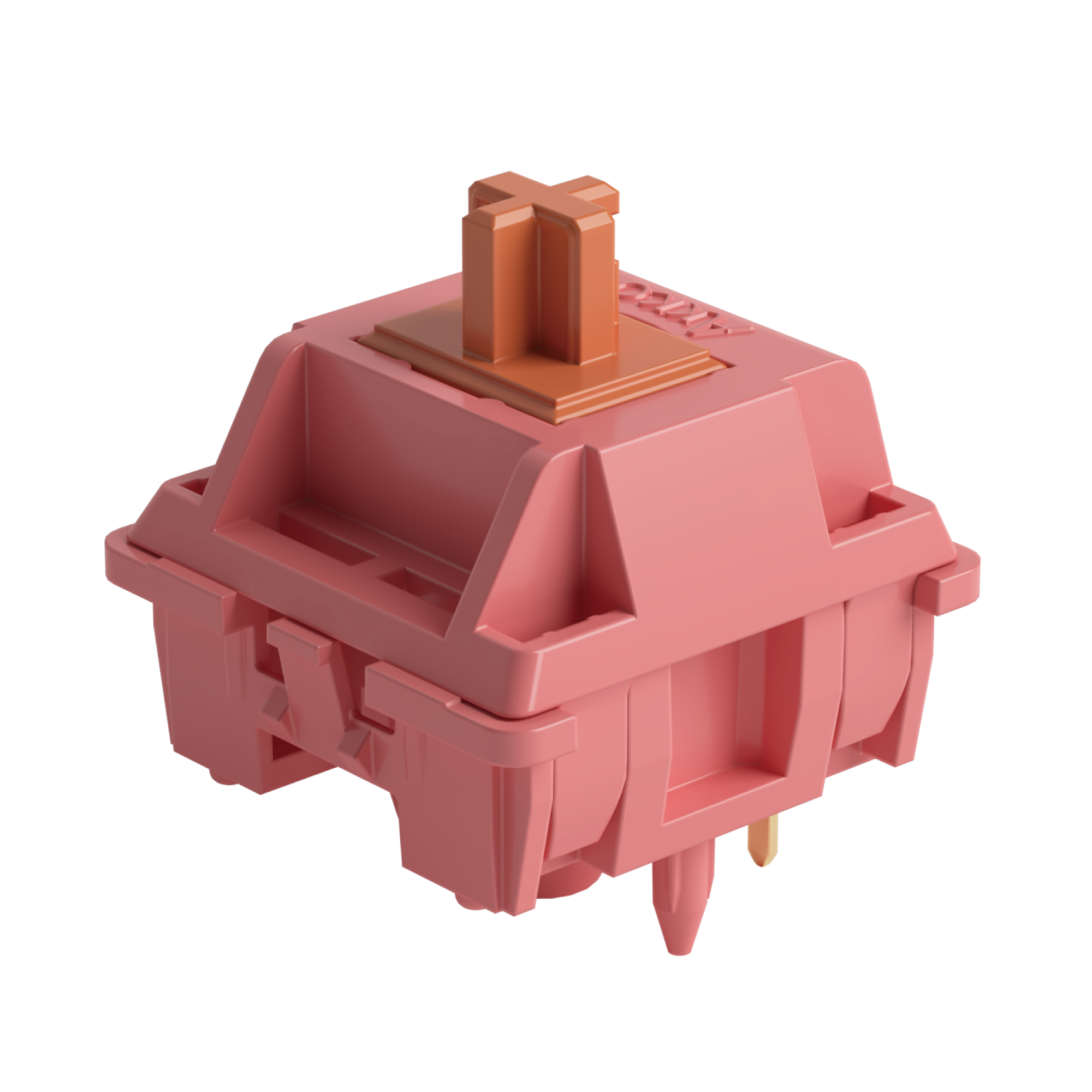
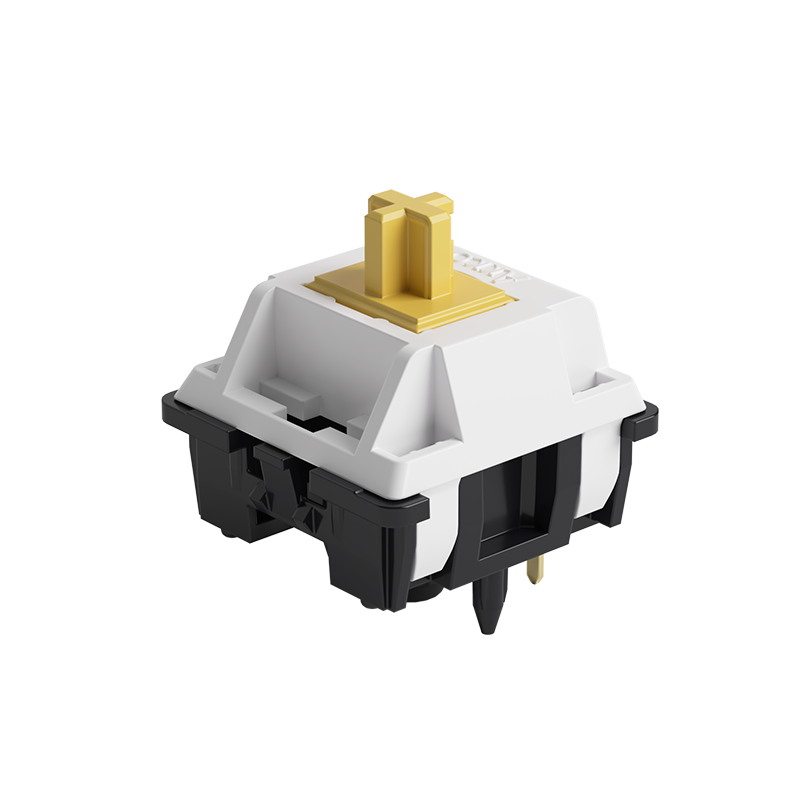
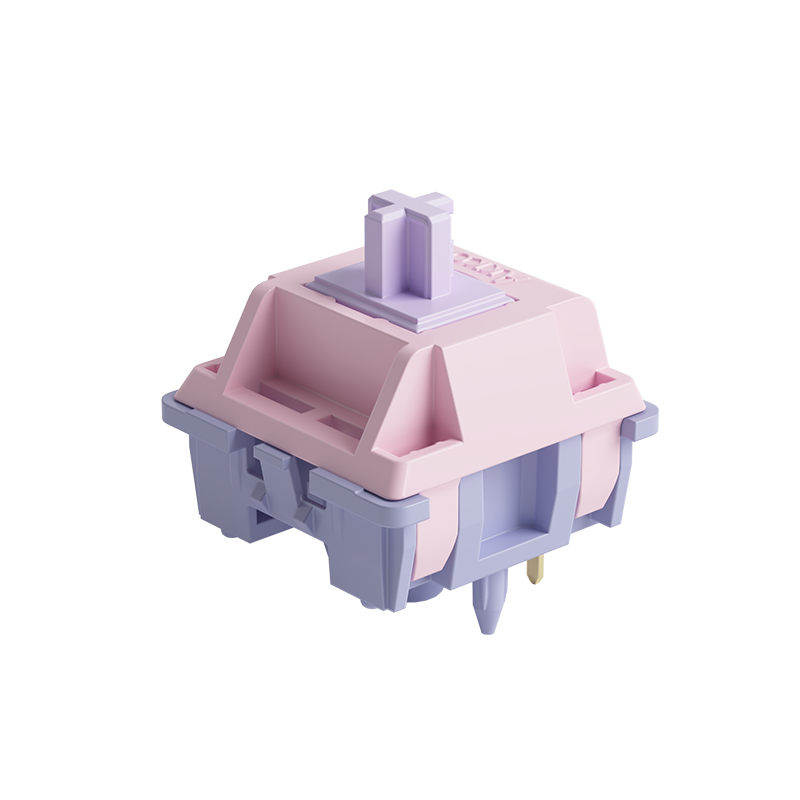
Conventional mechanical switches close an internal electrical contact. They come in linear, tactile, clicky, and silent designs, and users can choose from a broad replacement-switch market. The switch construction normally fixes the actuation point.
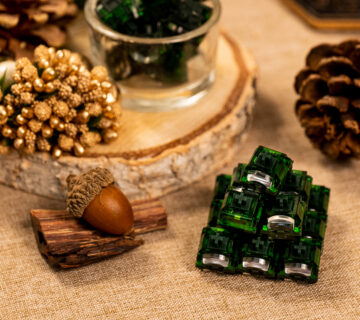
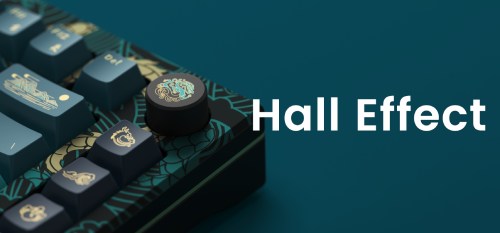
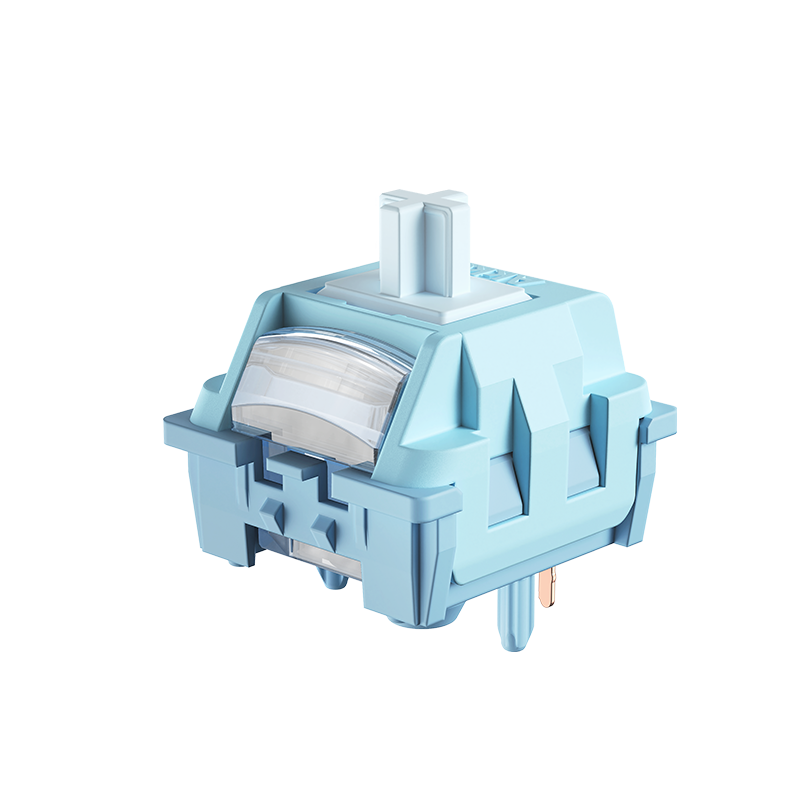
A magnetic switch moves a magnet relative to a Hall Effect or TMR sensor. Compatible firmware can then provide adjustable actuation, Rapid Trigger, and other position-based functions. Most magnetic switches are linear because smooth, continuous travel works cleanly with software-defined thresholds.
Mechanical keyboards generally provide more switch choices and can offer tactile feedback. Magnetic-switch keyboards give firmware more control over actuation and reset. When comparing magnetic models, check the adjustment range, calibration, dead-zone controls, and firmware support instead of focusing only on the smallest actuation number.
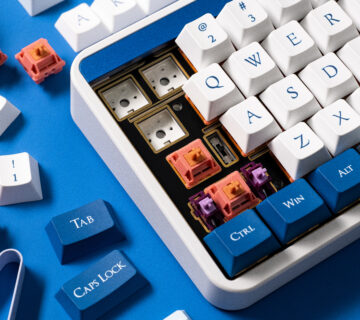
Magnetic switch compatibility varies by magnet polarity, sensor orientation, travel range, and firmware calibration. The product page should name the supported switch family instead of relying on the word “hot-swappable.”
Black Friday: 20% off with code BF20 (Nov 27–30 PT).
2. The Performance Features You Will Actually Use
Polling rate and minimum actuation distance are easy numbers to compare, but their value depends on the rest of the keyboard and the way you play.
Adjustable actuation and Rapid Trigger can help with repeated movement because they change when a key actuates and resets. For general gaming and daily work, consistent sensing, usable default profiles, and stable firmware may matter more than the lowest available setting.
Keep performance terms separate:
- Polling rate describes how often the keyboard can send reports to the host.
- Matrix or sensor scan behavior describes how the keyboard detects changes internally.
- Actuation distance describes where a keypress becomes active.
- Rapid Trigger changes actuation and reset according to movement.
- NKRO describes simultaneous-key reporting, not latency.
A high number in one category does not make the whole keyboard faster in every situation.

3. Layout and Key Access
A sale can make an unfamiliar layout tempting. Before buying, check that the space savings do not remove keys you use every day.
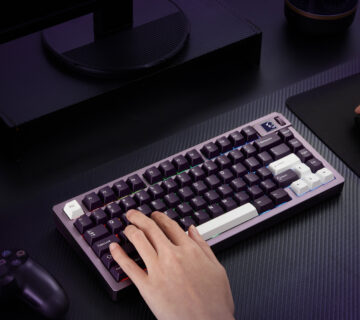
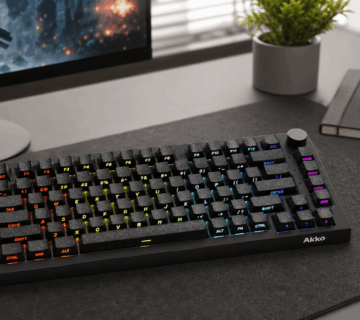
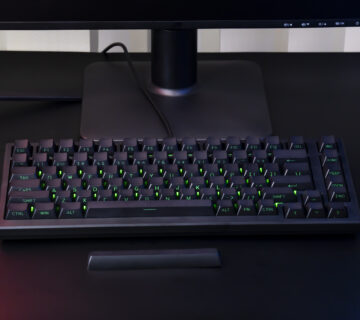
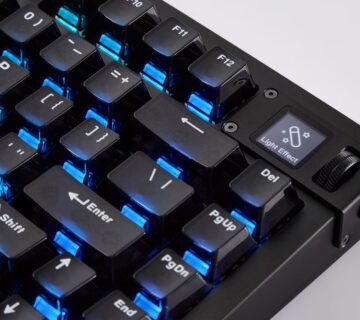
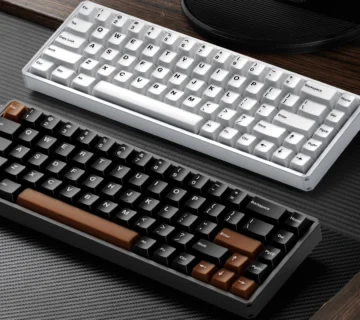
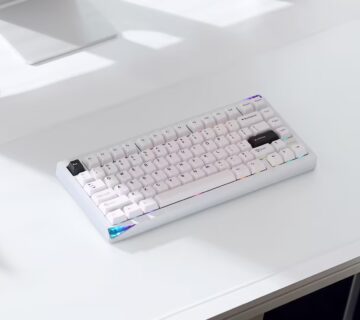
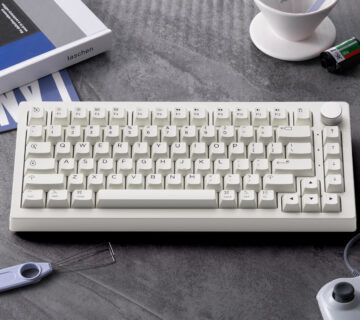
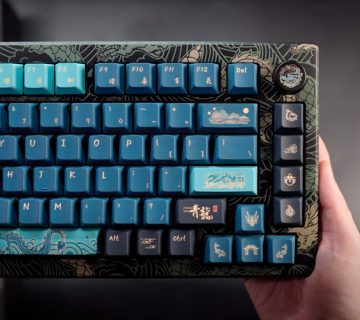
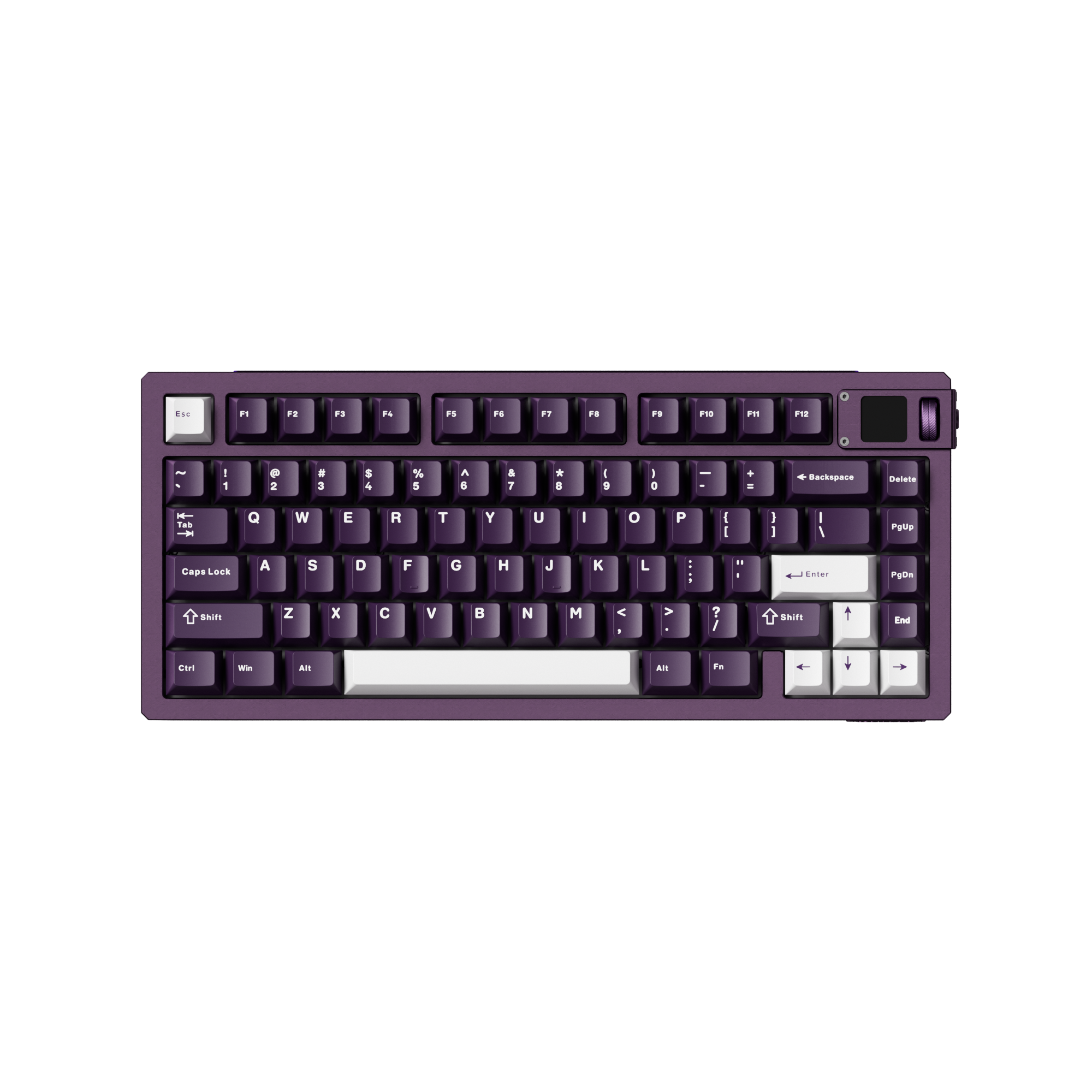
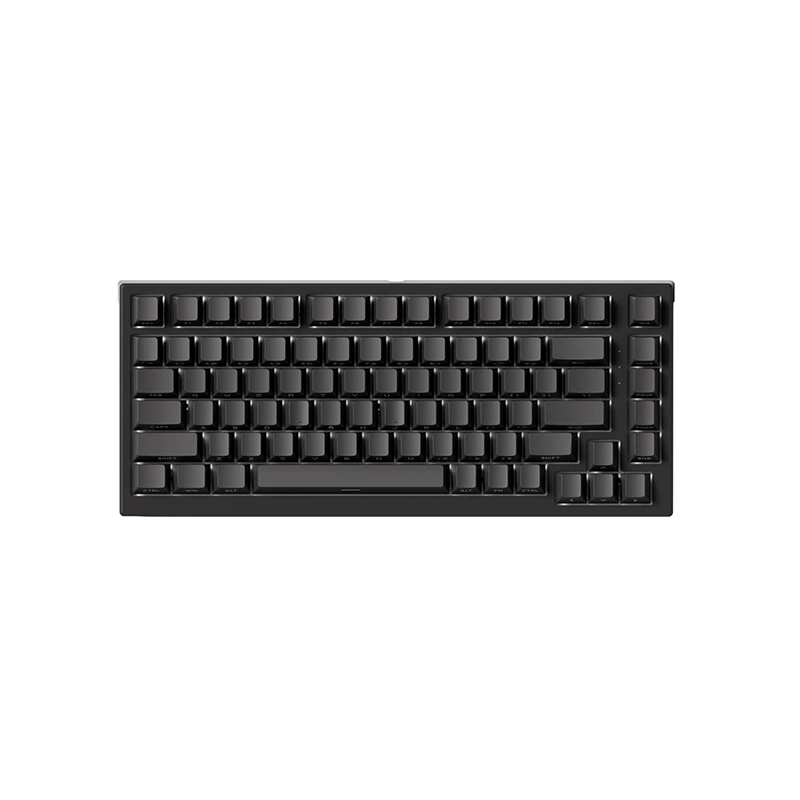
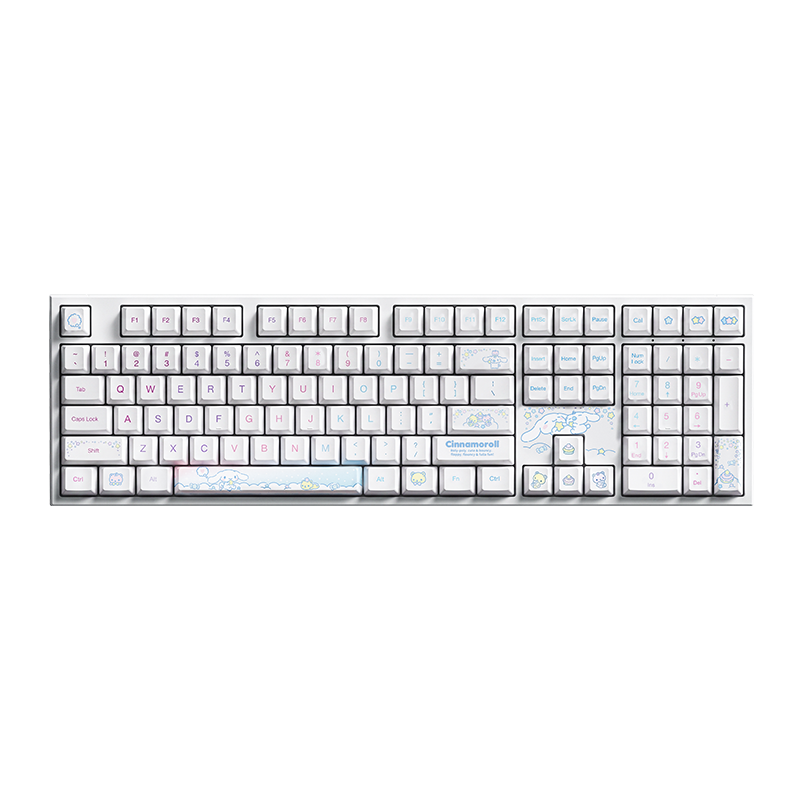
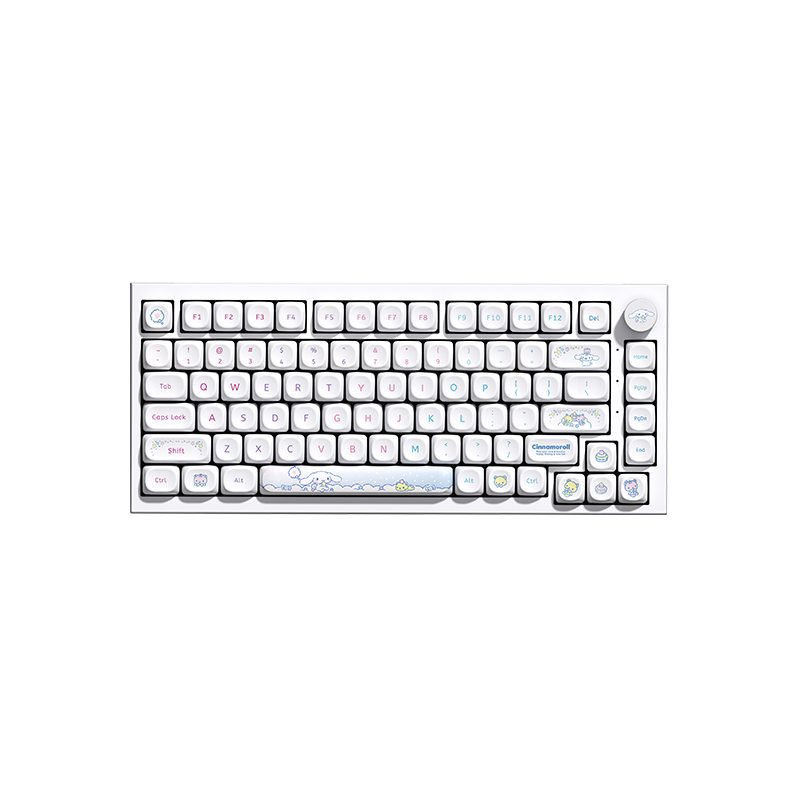
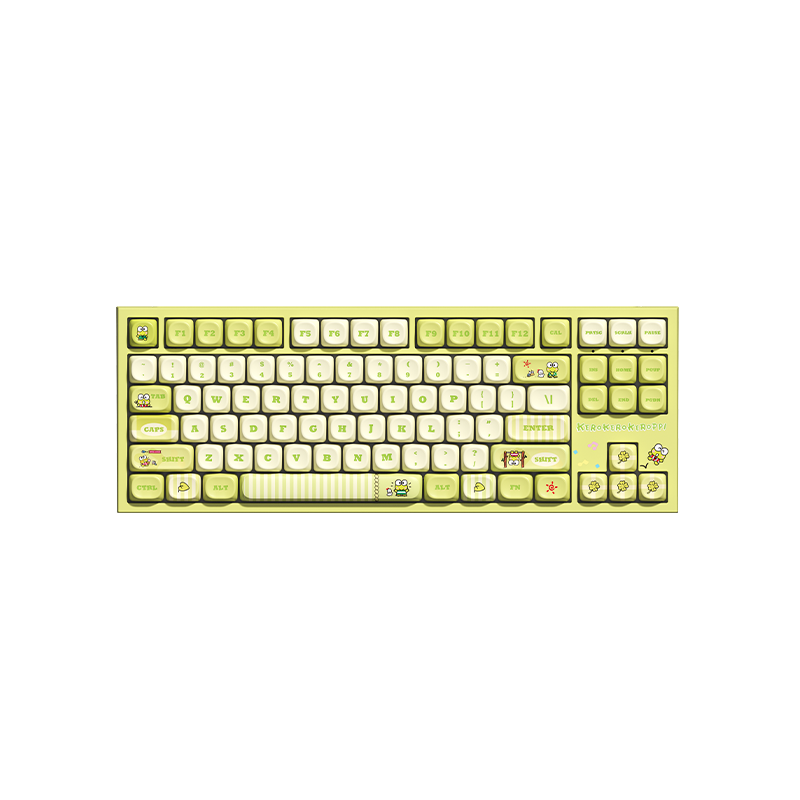
A 60% layout is compact and leaves more mouse room, but it usually moves arrows, navigation commands, and the function row to layers. A 65% layout restores dedicated arrow keys. A 75% layout keeps arrows, a function row, and a compressed navigation column, making it a common balance for gaming and work. Tenkeyless and full-size layouts provide more familiar spacing and, on full-size boards, a numpad.
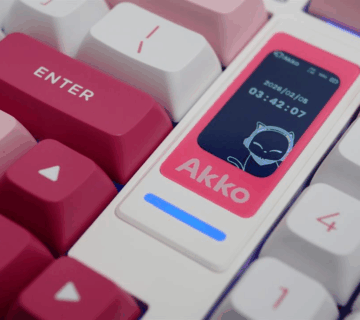
Check the exact key map, right Shift size, arrow position, knob or screen placement, and layer remapping. Percentage names describe layout families, so two keyboards with the same label may still arrange their keys differently.
4. Plate, Mounting, and Sound
The complete keyboard determines the sound and feel. Plate material, mounting structure, case, internal foam, keycaps, stabilizers, and even the desk surface all contribute.
Aluminum plates tend to feel direct and can emphasize higher-frequency sound, although the final result depends on the complete build. Polycarbonate and other non-metal plates can feel softer or sound less sharp. A gasket mount may provide more movement and acoustic isolation than a rigid tray mount, but the amount of flex varies widely.
Magnetic-switch keyboards follow the same acoustic rules. The sensor does not make a keyboard quiet, and many performance models use firm structures. New magnetic switches and non-aluminum plates are widening the available sound profiles, so listen to the exact model before buying.
5. Keycaps and Stabilizers
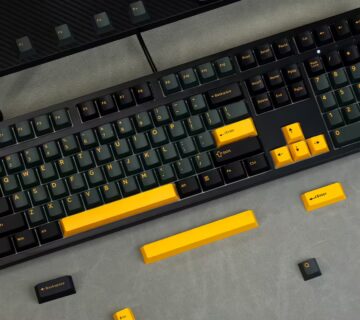
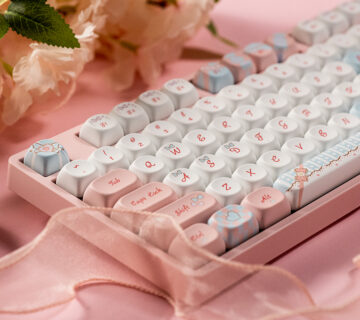
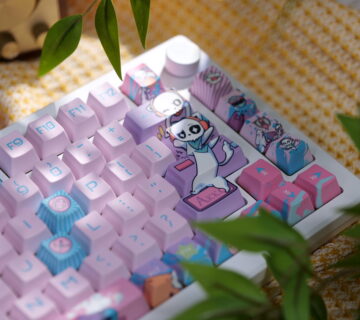
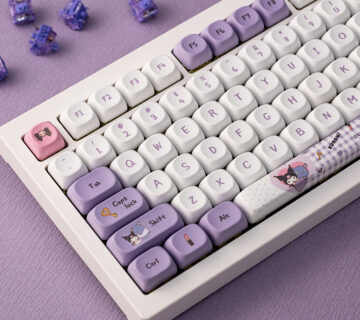
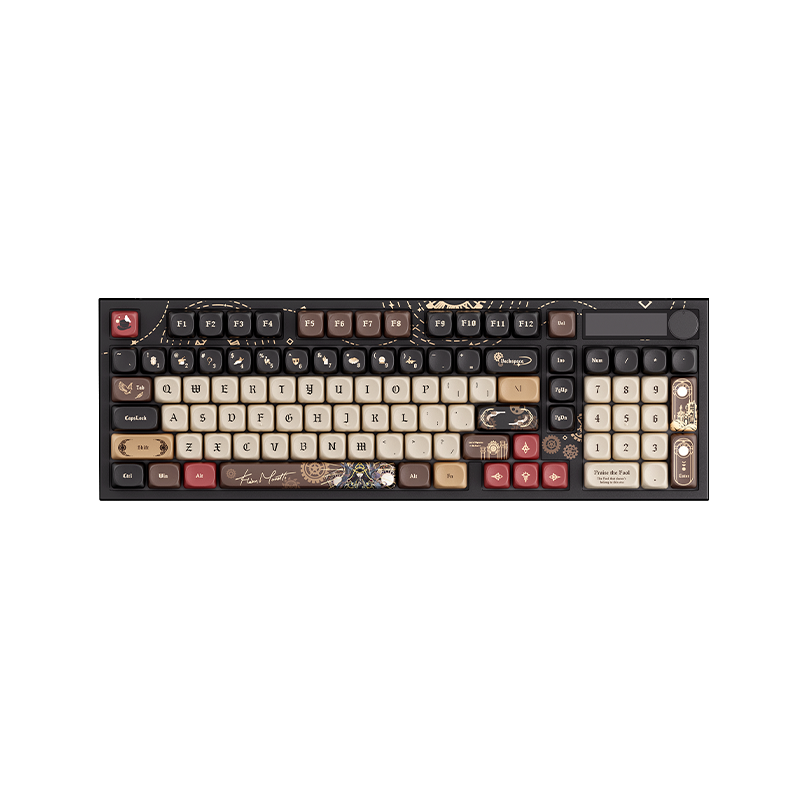
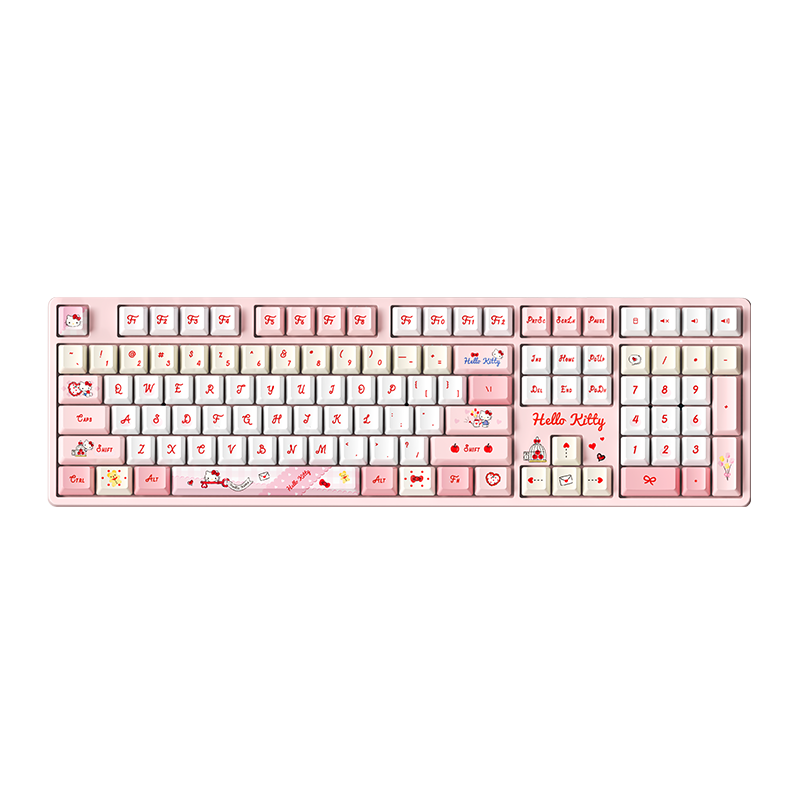
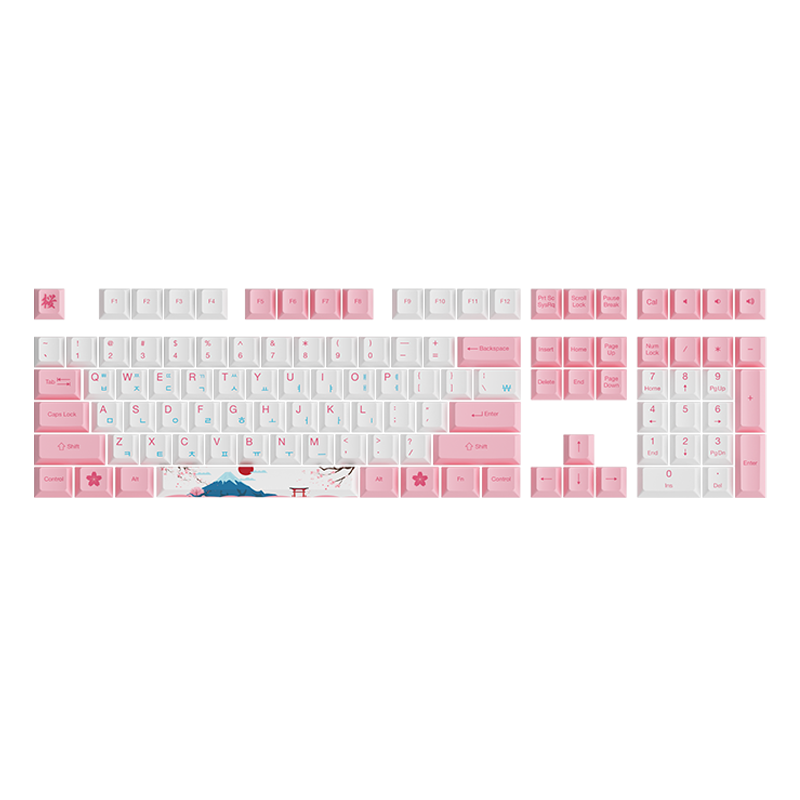
Keycaps affect durability, texture, sound, and legend visibility. PBT generally resists surface shine better than ABS, while ABS can produce vivid colors and a different sound profile. Manufacturing method matters too: double-shot legends use a separate plastic component, while dye-sublimated legends are infused into suitable keycap material.
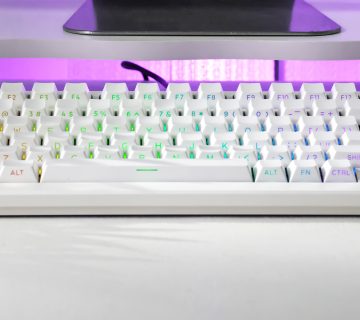
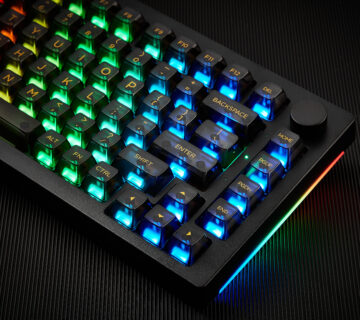
Check the profile and legend position as well as the material. Side-printed keycaps can keep the top surface visually clean and can pair naturally with south-facing LED placement, but side printing alone does not guarantee shine-through lighting.
Large keys reveal the quality of the stabilizers. Spacebar rattle, ticking, or uneven return can dominate the experience even when the letter keys sound good. Reviews and sound samples should include Enter, Shift, Backspace, and Space.

6. Connection Mode, Battery, and Compatibility
Wired, 2.4 GHz wireless, and Bluetooth serve different needs. Wired operation is simple and avoids battery management. A well-implemented 2.4 GHz mode is commonly intended for responsive wireless gaming. Bluetooth is convenient for tablets, laptops, and multi-device switching, but implementation and latency vary.
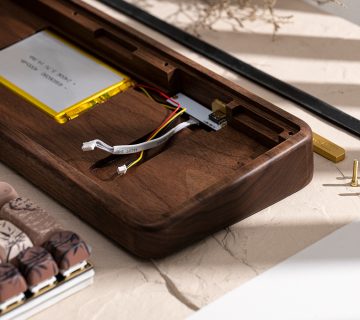
Do not judge a tri-mode keyboard only by the battery capacity printed on the page. RGB brightness, wireless mode, sleep settings, and usage pattern affect runtime. Also check whether the keyboard can charge while in use, where the receiver is stored, and whether key remapping or firmware updates require a wired connection.
Also check the physical layout, replacement-switch requirements, keycap sizes, software platform, console support if needed, and warranty region. A lower price helps less when compatible replacement parts are hard to find.
Akko Black Friday 2026: Current Keyboard Offers
The following examples were checked on Akko’s official Black Friday page on November 17, 2026. The campaign is scheduled for November 20 through December 2, Pacific Time. Prices, stock, regional availability, and final terms can change, so verify the live product and campaign pages before purchase.
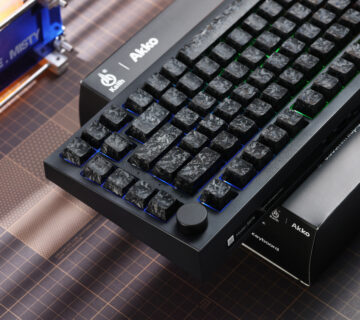
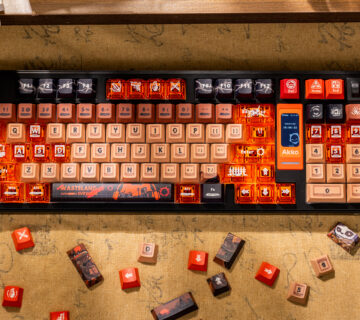
- Year of Snake Armor Keyboard: advertised at 60% off, $119.99 from $299.99.
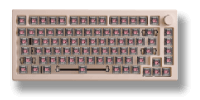
- M1 V5 HE Barebone: advertised at 50% off, $59.99 from $119.99. This is a barebone kit listed with AstroAim magnetic switches and no keycaps, so buyers should budget for compatible keycaps and confirm the included components.
- 3108 V3 Black & Gold: advertised at 30% off, $59.99 from $79.99.
- 5075 V5 HE: advertised at 20% off, starting from $67.99 compared with $84.99 for the wired configuration.
- 5087 V5 HE: advertised at 20% off, $79.99 from $99.99.
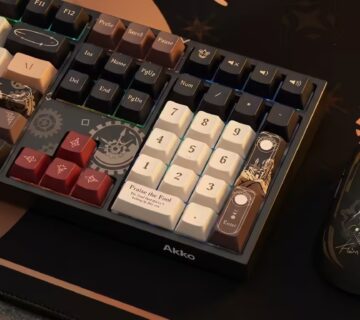
- Christmas Fantasy Keycap Set: advertised at 60% off, $18.49 from $45.99.
Akko’s published schedule separates early Black Friday offers from the main promotion. The page states that code BF20 is planned to provide 20% off sitewide from November 27 through November 30, excluding sale items, and that it cannot be combined with other discounts. The listed flash-sale period runs from November 27 through December 2.
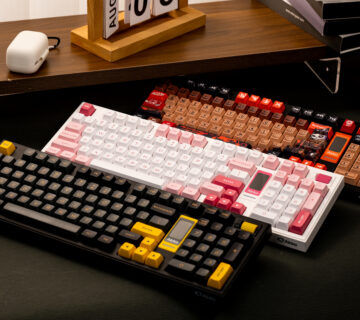
A barebone kit, a compact Hall Effect keyboard, a full-size mechanical model, and a keycap set are not interchangeable purchases. Their discount percentages may look similar, but the buyer receives a different product in each case.