






Low-Profile Mechanical Keyboards Explained
Low-profile mechanical keyboards are often described as a compromise: thinner and easier to carry, but supposedly worse to type on. That description is outdated and too broad.
A well-designed low-profile keyboard can provide stable switches, distinct linear or tactile feedback, controlled sound, wireless connectivity, and hot-swap support. It can also feel very different from a conventional mechanical keyboard. The important question is not whether low-profile is “better,” but which parts of the low-profile design fit the user’s hands, desk, and workflow.
What Does Low-Profile Mean?
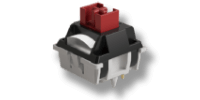
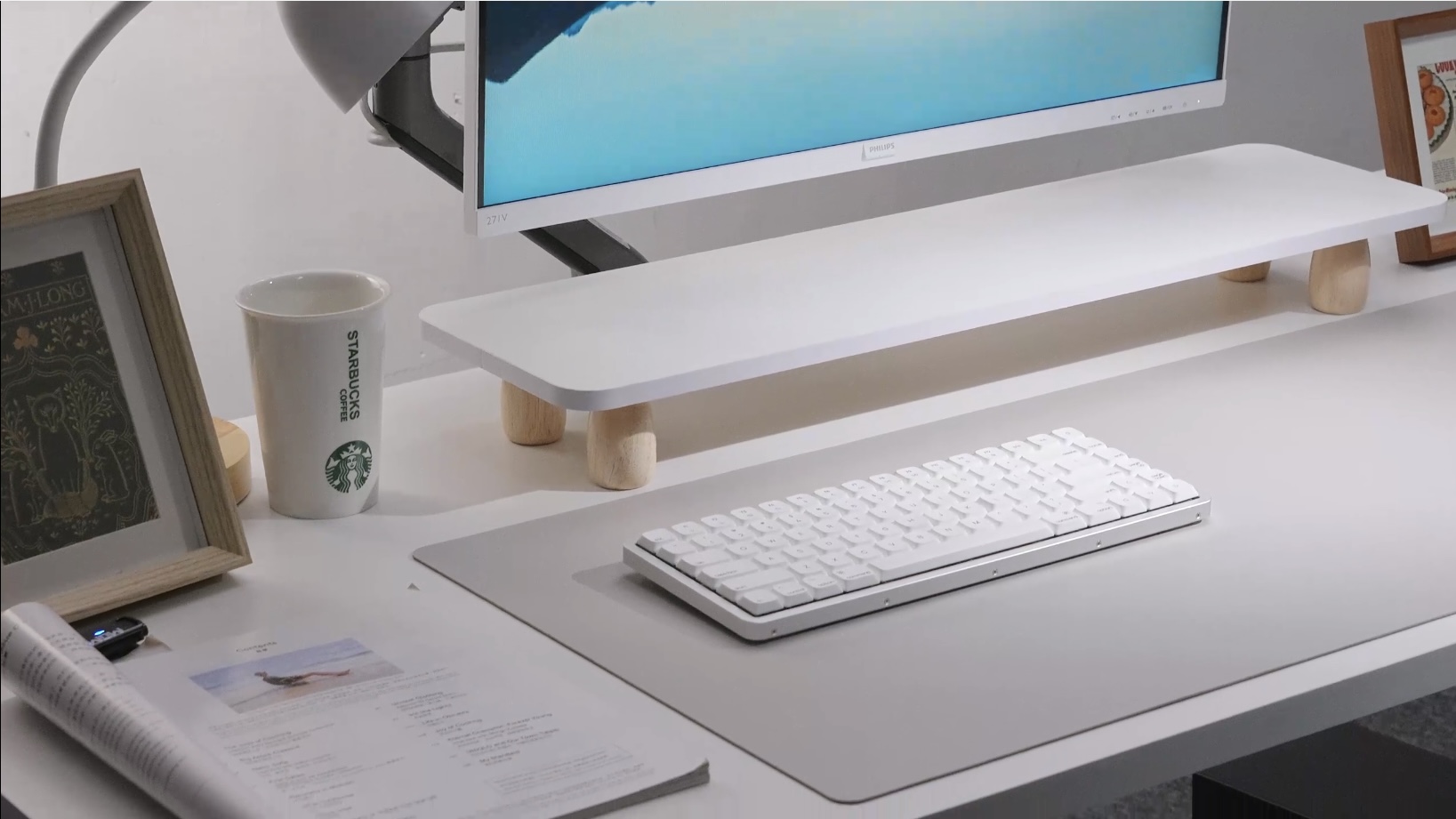
“Low-profile” is not one universal switch standard. It generally describes a keyboard with reduced switch and case height compared with a conventional MX-style mechanical keyboard.
The reduced stack can come from several changes:
- a shorter switch housing;
- a lower keycap profile;
- reduced distance between the plate and PCB;
- a thinner case and internal structure;
- shorter pre-travel or total travel, depending on the switch.
These characteristics should be checked separately. A keyboard can look slim while using a relatively long total travel, and two low-profile switches can have different actuation distances.
Low-Profile Does Not Automatically Mean Shortest Travel
Pre-travel is the distance from the resting position to electrical actuation. Total travel is the full distance to bottom-out. They are not the same measurement.
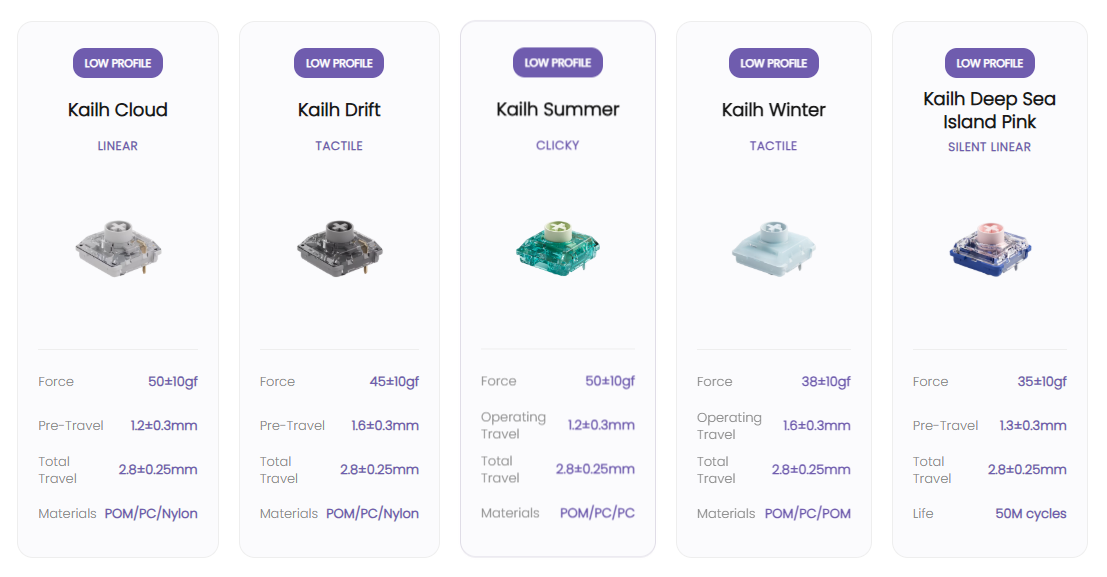
For example, some current low-profile switches specify approximately 1.2 to 1.7 mm of pre-travel and roughly 2.8 to 3.5 mm of total travel. Conventional MX-style switches often use around 2.0 mm pre-travel and up to 4.0 mm total travel, but speed variants can actuate earlier.
This means a low-profile keyboard may reduce finger movement, but the product should not be called faster based on switch height alone. Matrix scanning, debounce, firmware, polling, connection mode, and the host system also contribute to response time.
Can Low-Profile Switches Feel as Good as Standard Switches?
Yes, but “as good” does not mean identical.
The feel depends on spring force, travel curve, stem stability, tactile geometry, bottom-out behavior, lubrication, keycap shape, plate stiffness, and mounting design. Recent low-profile switches include linear, tactile, clicky, and silent options, so the category is no longer limited to one laptop-like feel.
Shorter travel can feel quick and direct. It can also make bottom-out feel abrupt if the switch, plate, or keycap does not manage impact well. A longer low-profile travel may feel closer to a standard mechanical switch while keeping the keyboard physically slimmer.
The best comparison is a real typing test. Sound recordings and force numbers help, but they do not show how the keyboard supports the wrist or how the switch feels during repeated typing.
Ergonomics: Lower Height Can Help, but It Is Not a Guarantee
A lower front edge can reduce the amount of wrist extension needed to reach the home row, especially for users moving from a tall keyboard without a wrist rest. That can make a slim keyboard more comfortable on a flat desk.
Comfort still depends on chair height, desk height, typing angle, hand position, keycap shape, and the user’s technique. A thin keyboard with steep rear feet can still create an uncomfortable angle. A taller keyboard used with good posture and an appropriate palm rest can also be comfortable.
Treat low height as one ergonomic variable, not a medical promise.
Why Low-Profile Keyboards Can Sound Different
Low-profile switches have less internal volume and different housing, spring, stem, and travel geometry. Thin cases and keycaps also change resonance. These factors can produce a sharper, lighter, or more immediate sound than a conventional build.
That result is not inevitable. Manufacturers can tune the sound through switch materials, closed or damped housings, lubrication, plate material, mounting design, case mass, foam, and keycap construction. A gasket structure may change stiffness and vibration transfer, but the word “gasket” alone does not guarantee a soft feel or a particular sound.
Switch and Keycap Compatibility Requires Extra Care
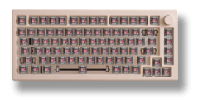
The low-profile market includes multiple switch footprints, socket designs, stem shapes, plate openings, and stabilizer systems. Parts that look similar may not be electrically or mechanically interchangeable.
Before buying replacement switches or keycaps, verify:
- the exact switch family and generation;
- the PCB footprint and hot-swap socket;
- the number and position of switch pins;
- the stem shape used by the keycap;
- stabilizer compatibility for larger keys;
- key spacing and case clearance;
- whether the firmware supports the replacement switch if sensing behavior differs.
An MX-style cross stem may allow some keycaps to mount, but it does not prove that the switch fits an MX PCB or that every keycap skirt clears the plate.
Choosing Between Linear, Tactile, Clicky, and Silent
- Linear: smooth travel with no designed bump; useful when uninterrupted motion is preferred.
- Tactile: a physical bump helps confirm the press without requiring an audible click.
- Clicky: provides distinct sound and tactile feedback but may be unsuitable for shared spaces.
- Silent linear or tactile: uses dampening to reduce impact noise, often with a softer bottom-out.
Do not select only by the switch name. Compare operating force, tactile force where applicable, pre-travel, total travel, and whether the switch is supported by the exact keyboard.
Layout and Portability Matter as Much as Thickness
A 65% low-profile keyboard is compact, but it may move several navigation commands to layers. A 75% model adds an F-row and usually more navigation keys while remaining easy to carry. A TKL or full-size low-profile keyboard can still be thin, but its width may be the limiting factor in a backpack or on a small desk.
For mobile work, also consider:
- total weight, not only thickness;
- protection for exposed keycaps and switches;
- receiver storage;
- battery capacity and real lighting settings;
- USB-C charging and adapter needs;
- macOS and Windows legends or remapping;
- whether 2.4 GHz, Bluetooth, and wired modes support the same features.
One Current Implementation: Akko Air 01
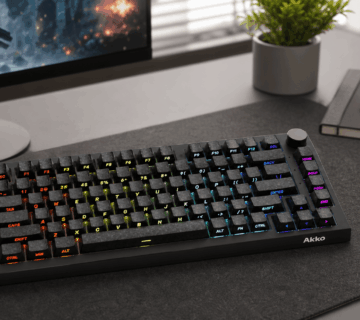
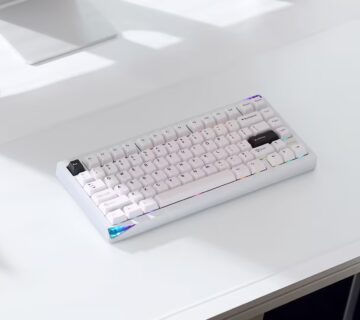
Akko’s Air 01 shows one way to combine low-profile hardware with a complete desktop feature set. It uses a 75% layout, an aluminum case, Kailh low-profile hot-swap switches, tri-mode connectivity, and a 4,500 mAh battery. Its switch options include linear, tactile, clicky, and silent linear types.
The important compatibility note is that its sockets are designed for supported Kailh low-profile switches, not conventional MX switches or every low-profile switch family. This is exactly why low-profile buyers should check the platform rather than assuming that “hot-swappable” means universal.
The Air 01 is an example, not a rule for the category. Other low-profile keyboards may prioritize lower weight, different layouts, other switch ecosystems, or a more laptop-like typing feel.
Low-profile mechanical keyboards are not simply thinner versions of conventional boards. Their switch geometry, keycaps, sockets, stabilizers, internal spacing, and case design form a separate platform that needs to be evaluated as a whole.
They can offer excellent typing feel and useful tactile feedback while reducing overall height. Their main tradeoff is not necessarily quality; it is a more fragmented compatibility ecosystem and a feel that may require adjustment. Try the switch type when possible, verify the exact replacement ecosystem, and choose the layout and height that fit the actual workspace.