




What Is the GH60 Layout? History, Compatibility & the Evolution of 60% Keyboards
If you see a 60% keyboard case listed as “GH60-compatible,” the label has a practical meaning: the case is generally designed around the established GH60-style PCB outline, tray-mount screw-hole pattern, and traditional USB port location. This shared geometry makes mixing parts from different brands much easier.
GH60 began as a specific community-designed, programmable mechanical keyboard PCB. As more makers adopted related physical conventions, its name also became shorthand for a recognizable 60% compatibility ecosystem. The distinction matters: a GH60-compatible case is intended to fit conventional GH60-style hardware, while unusual PCBs, alternative mount systems, and newer modules may still need model-specific confirmation.
GH60, 60%, and GH60-Compatible: Three Different Ideas
- 60% keyboard: a compact layout category, typically retaining the main typing area while omitting dedicated function keys, a number pad, and most navigation keys.
- GH60: a named, programmable PCB project developed for the Geekhack keyboard community.
- GH60-compatible: a practical compatibility description, especially for cases designed to support the conventional GH60-style PCB outline, tray-mount mounting points, and USB port position. It is not a claim that every 60% design uses those interfaces.
In short, “60%” describes the broad layout category, “GH60” names the historical PCB project, and “GH60-compatible” commonly identifies parts designed around its widely adopted physical fit conventions.
What Does a Typical 60% Keyboard Look Like?
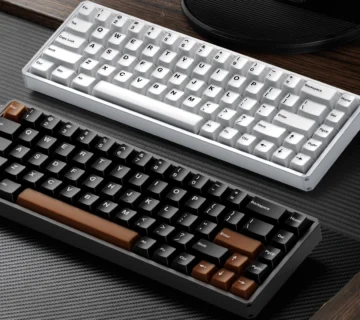
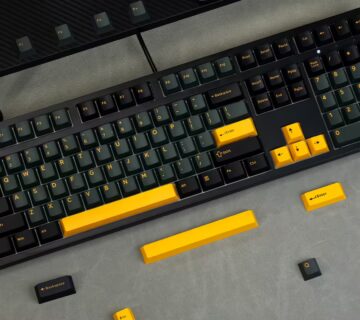
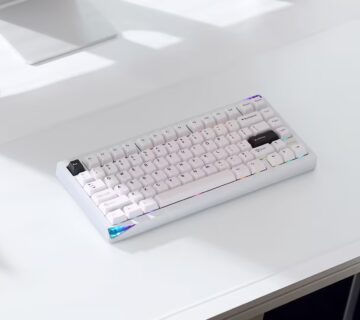
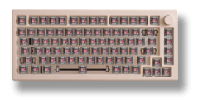
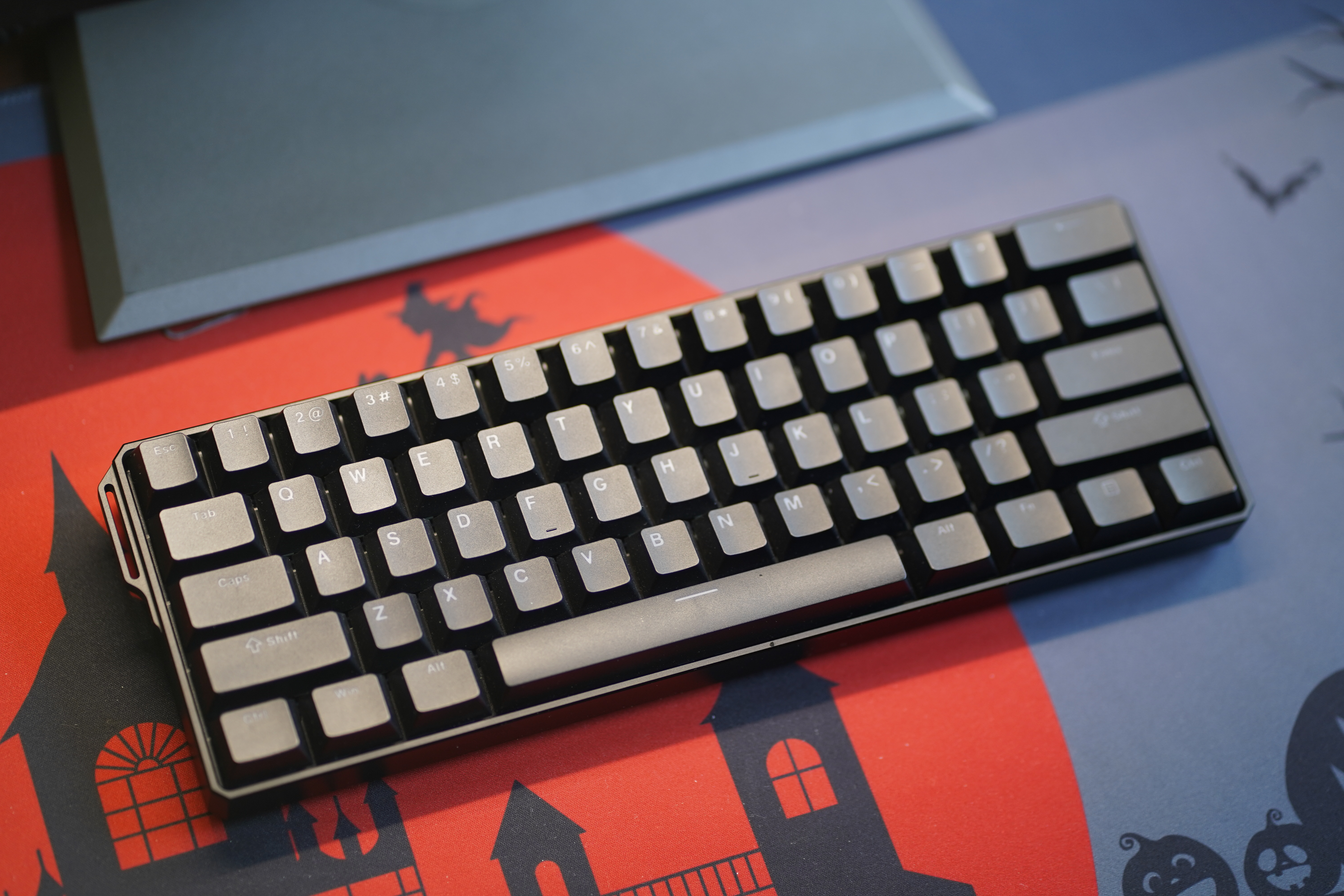
A conventional ANSI 60% keyboard often has 61 keys arranged in five rows. It keeps the letters, number row, modifiers, Enter, Backspace, and spacebar, but normally omits a dedicated F1–F12 row, arrow cluster, navigation block, and numeric keypad. Some variants change the number of keys by splitting keys or using ISO arrangements. The “60%” name is a form-factor category, not a promise that exactly 60% of a full-size keyboard’s keys remain.
Keyboard layouts are also commonly described in “u” units: 1u is the width of a standard letter key. A familiar 60% key arrangement is about 15u across and five rows deep. That describes a key grid—not a guarantee about the outside dimensions of a case or the contour of a PCB.
How do you access the missing keys? Often through a secondary Fn layer. For example, a keyboard might map Fn + 1 to F1 or use a key combination for arrow input. The exact mapping depends on the keyboard’s firmware and configuration. Layers make a small board flexible, but they also add a learning curve.
The GH60 Story: Community Design, Not the Invention of 60%
Compact keyboards existed before GH60, including Poker-style 60% designs. GH60’s significance lies elsewhere: it was a community-focused, programmable PCB project with public design documentation and room for builders to choose their own switches, keycaps, and cases.
The Geekhack Wiki credits the original GH60 idea to Jdcarpe and the design to komar007. Komar’s project archive, published on February 1, 2013, describes GH60 as a custom programmable mechanical keyboard for the Geekhack community. Its links document prototype testing for revisions A and B and a production group buy.
Early GH60 revisions also show how these conventions developed. In an August 2013 technical retrospective, komar discussed changes between revisions A and B, including switch orientation, stabilizer-hole placement, PCB dimensions, and USB connector positioning. Work like this helped make predictable mechanical fit possible.
On May 2, 2016, Komar announced the release of revision C “plain edition” design and production files under the CC BY-SA license. “Plain edition” referred to replacing the community logo in the public version; the author stated that the electronics were unchanged from the corresponding group-buy PCB. This was a meaningful public-file release—not the moment every future 60% keyboard suddenly adopted one official standard.
Why Does “GH60-Compatible” Appear in Product Listings?
As custom mechanical keyboards grew more modular, builders needed a simple way to recognize parts designed to work together. GH60 became a widely used reference for conventional 60% case and PCB fit, particularly in the tray-mount ecosystem.
Another important factor behind GH60’s widespread adoption was its open-source design. Rather than requiring manufacturers and enthusiasts to develop a keyboard PCB entirely from scratch, the GH60 project made its schematics, PCB design files, and production resources publicly available. These resources provided a practical starting point for developers to reproduce, modify, or build upon an existing design, significantly lowering the barrier to creating new 60% keyboard PCBs.
The combination of accessible design files and established physical dimensions helped encourage a broader ecosystem of compatible products. Manufacturers could develop new PCBs based on proven design concepts, while case makers could target familiar mounting and connector positions.
For a case, “GH60-compatible” generally indicates three shared interfaces: 1)a case interior sized for the familiar GH60-style PCB outline, 2) mounting points aligned with the traditional tray-mount hole pattern, and 3) a USB opening positioned for the conventional GH60 connector. Together, these conventions let builders pair many compatible cases and PCBs from different manufacturers.
This does not mean every keyboard described as “60%” uses GH60 geometry. 60% modules could relocate the USB port, use different attachment points, or introduce batteries and other hardware. Manufacturers may address those differences with a movable port insert or model-specific compatibility instructions. For instance, KBDfans lists GH60 among the PCBs supported by its Tofu60 Redux case and explains that the case uses a movable USB opening to accommodate differing port positions.
The useful rule is straightforward: “GH60-compatible” is a meaningful statement of conventional physical fit, while model-specific requirements still matter when combining nonstandard parts.
How the Parts of a GH60-Style Build Work Together
PCB: The Electrical Core
The printed circuit board detects key presses and communicates with a computer or other host. In conventional GH60-style builds, its outline, tray-mount screw holes, and USB connector position are key physical interfaces. The switch arrangement, component clearance, and support for particular features still depend on the PCB model.
Plate: The Physical Layout
A plate supports or aligns switches, depending on the design. It must match the switch grid and the exact key arrangement. A plate designed for one fixed ANSI arrangement may not accommodate split Backspace, ISO Enter, or a different bottom row—even when the PCB can electrically support those options.
Case and Mounting System
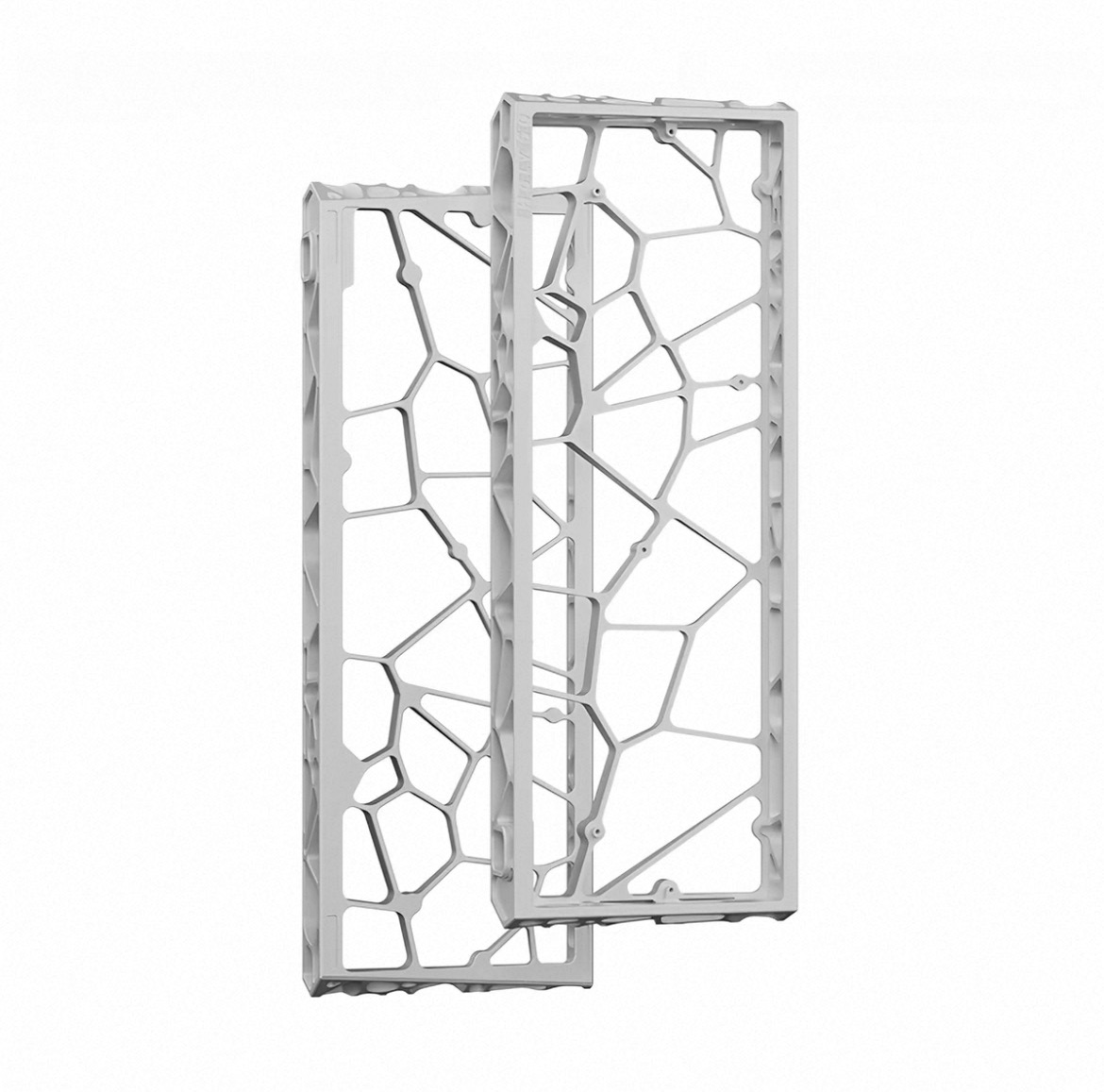
A conventional GH60-compatible case is typically a tray-mount case: screws attach the PCB or plate/PCB assembly to mounting posts inside the case. This common mounting pattern is a major reason GH60-style cases and PCBs can be mixed across brands. Top-mount, gasket-mount, and other architectures use different attachment methods and should not be assumed to fit the same case.
Stabilizers and Keycaps
Larger keys such as Space, Enter, and Shift generally need stabilizers. Plate-mounted and PCB-mounted stabilizers have different fit requirements. Keycap sets also need the right sizes: confirm the spacebar, bottom-row modifiers, right Shift, and any split keys rather than assuming every “60% kit” covers your build.
What Changed After the Early GH60 Era?
Soldering and Hot-Swap
Early enthusiast boards commonly used soldered switches: switch pins were attached directly to the PCB. Hot-swap sockets later made switch replacement much more convenient on many models. The trade-off is layout flexibility: a fixed-position hot-swap PCB can support fewer physical arrangements than a particular multi-footprint solder PCB. This depends on the actual design; neither technology is inherently universal.
Firmware, QMK, and VIA
Programmable firmware lets users change key assignments, layers, and sometimes macros or tap-hold behavior. The early GH60 project belongs to the broader history of enthusiast programmable keyboards. Modern boards may use QMK firmware, while certain supported boards offer VIA configuration for convenient remapping. These features are not implied by a GH60-sized outline. Check the exact PCB model, hardware revision, firmware build, and configuration support.
Mounting Styles and Typing Feel
The GH60-style case ecosystem is strongly associated with tray mount, whose familiar mounting positions supported a large aftermarket. Other 60% keyboards later adopted top mount, gasket mount, and additional systems, changing both the typing feel and the ways parts connect. These are parallel design choices rather than variations that every GH60 case must support.
Wireless and Magnetic Switches
Wireless 60% keyboards bring batteries, antennas, charging arrangements, and power controls that older wired cases may not have room for. Magnetic-switch keyboards introduce switch and sensor requirements beyond those of ordinary mechanical switch PCBs. These are developments in the wider compact-keyboard market, not original GH60 features. A wireless or magnetic 60% module may require its own plate, case clearances, switches, or firmware.
Frequently Asked Questions
Is GH60 the same thing as a 60% keyboard?
No. GH60 is the name of a particular community PCB project and a later informal compatibility reference. “60%” describes a broader keyboard layout category.
Will any GH60-style PCB fit a Poker-style case?
Generally, traditional GH60-style and Poker-style tray-mount parts share closely related physical conventions, and many products are designed to work together. Check the case maker’s supported-PCB list for the exact revision, especially if the PCB uses an unusual USB position or internal components.
Are GH60 keyboards always hot-swappable, QMK-compatible, or VIA-compatible?
No. Those features depend on the PCB and its firmware, not the form-factor label. Confirm support by model and revision.
Can I put a wireless PCB in an older GH60-style case?
Sometimes, but only after checking battery and antenna space, charging access, cable paths, insulation, and mounting points. A physically compact board is not automatically a suitable wireless conversion.
Does a matching case mean my plate and keycaps will fit?
No. Plate cutouts, stabilizer design, physical key positions, and keycap sizes must be evaluated separately.
Why GH60 Still Matters
GH60 matters not because it invented compact keyboards, but because a community-driven PCB project helped shape a lasting ecosystem of interchangeable 60% parts. Its familiar PCB outline, tray-mount locations, and USB position made compatibility easier to communicate and gave enthusiasts more freedom to combine cases and electronics from different makers.
Today, “GH60-compatible” is more than a vague resemblance: on case listings, it commonly signals support for the established GH60-style physical interfaces. That remains useful even as newer wireless, hot-swap, and magnetic designs expand the 60% market. Choose standard GH60-compatible parts with confidence in the advertised fit, and verify additional requirements when stepping outside that conventional design.