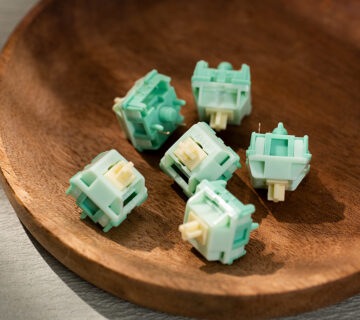







Mechanical,Optical and Magnetic Keyboard Switches Compared
Mechanical, optical, and magnetic keyboard switches can look similar from above, but they do not detect a keypress in the same way. The real difference is the sensing architecture beneath the keycap.
A mechanical switch closes an electrical contact. An optical keyboard detects a change in light. A magnetic-switch keyboard measures a changing magnetic field, commonly with a Hall Effect or TMR sensor. These sensing methods affect actuation behavior, compatibility, firmware design, and the features a keyboard can support.
What Counts as Actuation
Actuation is the point at which the keyboard decides that a key is active and reports that input to the host device. The switch mechanism creates a physical or analog signal, the keyboard electronics interpret it, and firmware sends a report over USB or wireless.
This means switch technology alone does not determine total keyboard latency. Matrix scanning, signal filtering, firmware, wireless transport, USB polling, and host processing all contribute. Two keyboards using the same sensing principle can perform differently.
How Mechanical Switches Work
In a conventional MX-style mechanical switch, the stem holds a flexible contact leaf away from a stationary contact. As the stem moves downward, the leaf is released and the contacts meet, closing the circuit.
Physical contacts can bounce for a short period when they meet or separate. Keyboard firmware uses debounce logic to prevent one press from being reported several times. Debounce is not a universal fixed delay: implementations may use different algorithms, timings, and electrical designs.
Mechanical Switch Strengths
- The widest variety of linear, tactile, clicky, and silent designs.
- Mature MX-style keycap, plate, PCB, and hot-swap ecosystems.
- Extensive tuning options for springs, materials, lubrication, and sound.
- Electrical switching occurs inside the replaceable switch on common hot-swap boards.
Mechanical Switch Limitations
- Contacts can wear, oxidize, or become contaminated over time.
- Contact bounce must be handled reliably.
- The physical actuation and reset behavior is largely defined by the switch geometry.
Adjustable actuation and true analog travel sensing are generally unavailable in a standard

How Optical Keyboard Switches Work
An optical keyboard uses an emitter and a light sensor on or around the PCB. The switch stem moves a shutter, prism, or other optical element. Depending on the design, the key activates when a light path is blocked, opened, or reflected toward the sensor.
Not all optical switches work the same way. Many are digital: they detect a fixed optical transition. Some optical systems measure changing light intensity or position and can provide analog travel data.
Because the electrical signal does not depend on two metal contacts touching, optical sensing avoids contact bounce at the sensing point. Firmware may still apply filtering or validation, so “optical” does not guarantee zero processing delay.
Optical Switch Strengths
- No electrical contact wear at the sensing point.
- No contact bounce from metal contacts.
- Consistent digital actuation when the optical path is well controlled.
- Analog capability is possible in optical architectures designed for it.
Optical Switch Limitations
- Switches and PCBs are often specific to one manufacturer’s optical system.
- Optical emitter and receiver components increase PCB complexity.
- A digital optical switch may still have fixed actuation.
- Feel and sound depend on the switch mechanism and keyboard construction, not on light sensing alone.
How Magnetic Switches Work
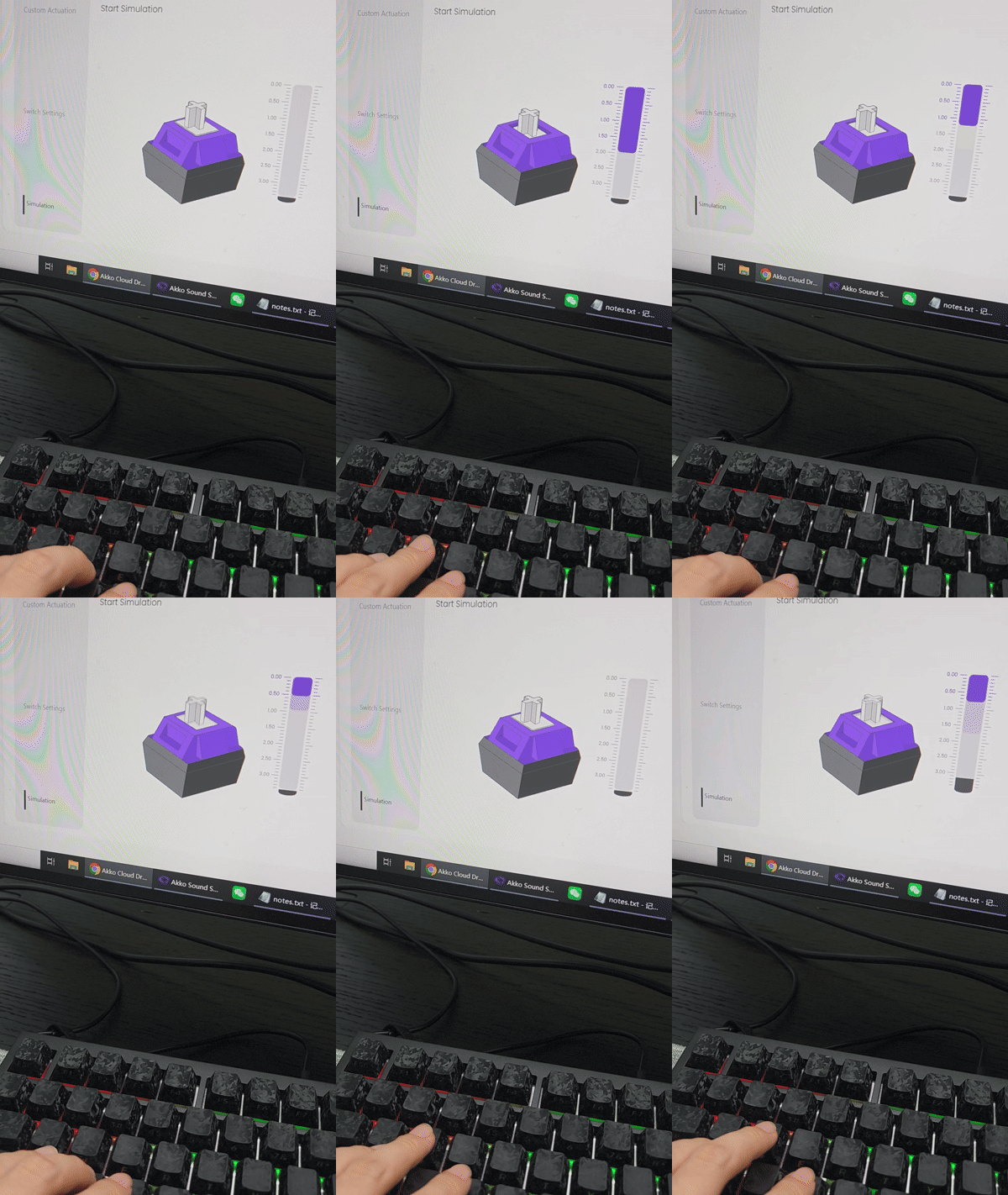
A magnetic switch contains a magnet, usually in the moving stem. A sensor on the PCB measures the magnetic field as the stem moves. Hall Effect sensors are common; TMR sensors are another magnetic-sensing technology.
Because the output changes across the key’s travel, firmware can estimate position instead of waiting for one fixed electrical contact. This enables adjustable actuation, adjustable reset behavior, Rapid Trigger, and other depth-aware functions.
The sensor does not physically touch the magnet, so there is no electrical contact bounce at the sensing point. However, accurate position tracking still depends on switch tolerances, magnet consistency, sensor placement, calibration, temperature compensation, PCB design, and firmware filtering.
Magnetic Switch Strengths
- Per-key adjustable actuation on supported keyboards.
- Dynamic reset features such as Rapid Trigger.
- Potential for analog or multi-stage input functions.
- No electrical contact wear between the switch and sensor.
Magnetic Switch Limitations
- Switch and keyboard compatibility is not universal, even when parts fit physically.
- Calibration and firmware quality strongly influence stability.
- External magnetic fields can disturb some Hall Effect systems.
- Most magnetic switches are linear because a smooth travel signal supports position-based features; feel variety remains narrower than the mechanical-switch market.
Comparing Feel and Sound
Mechanical switches currently offer the largest range because manufacturers can tune contact-leaf geometry, tactile legs, click mechanisms, dampers, springs, and materials. Optical and magnetic switches can also use mechanical structures to create sound and tactility, but the available ecosystem is smaller and often tied to a specific PCB platform.
Sensing technology does not create a keyboard’s complete sound. The stem, housing, spring, keycap, plate, mounting system, foam, case, and typing force all contribute. A magnetic switch can sound deeper than a mechanical switch in one build and higher-pitched in another.
Compatibility and Hot-Swap Are Different Questions
Hot-swap means a switch can be removed without soldering. It does not mean every switch technology is interchangeable.
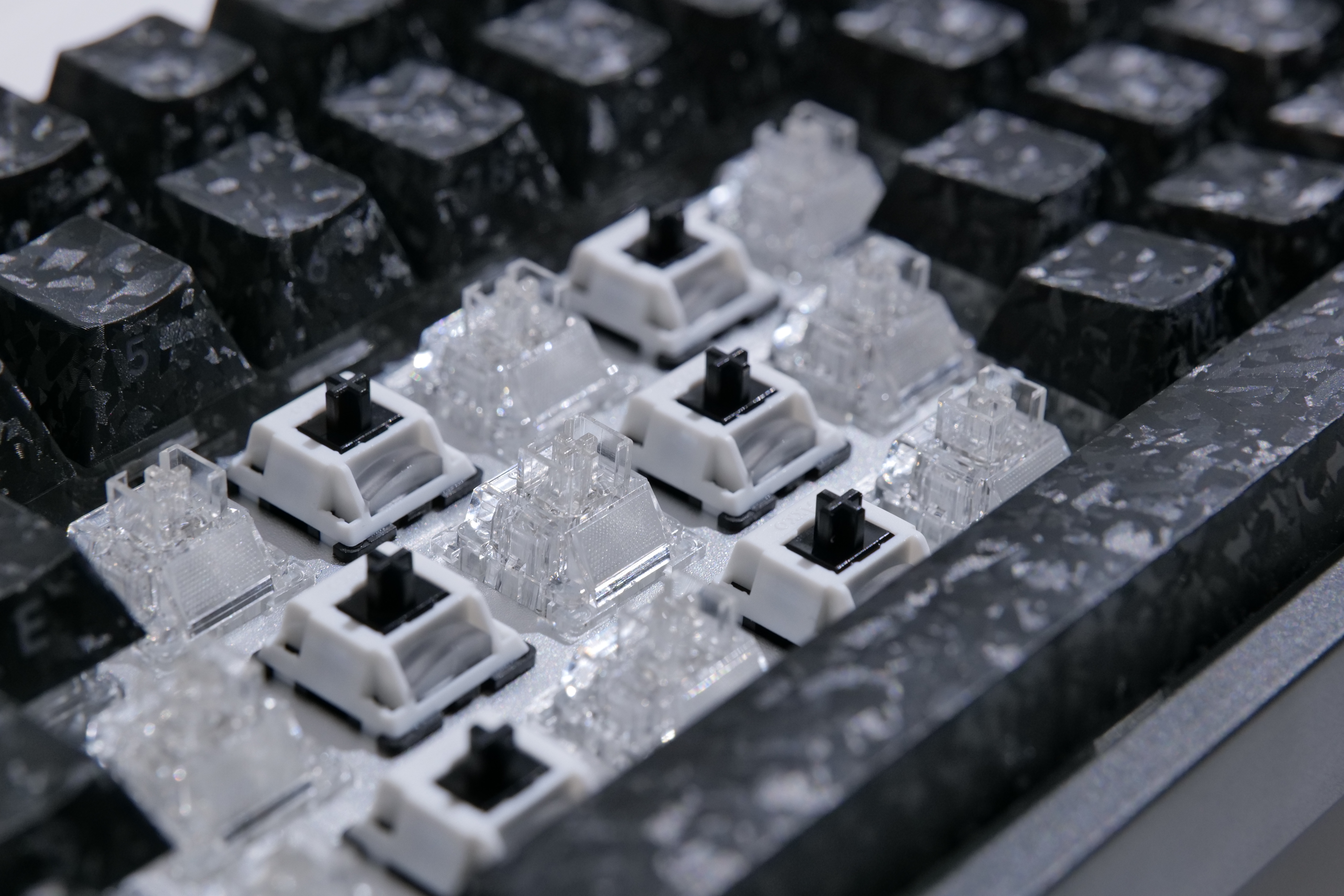
- Mechanical hot-swap sockets connect to switch pins and usually support compatible 3-pin or 5-pin MX-style mechanical switches.
- Optical hot-swap systems require switches whose shutters or prisms align with that PCB’s emitter and receiver.
- Magnetic hot-swap systems require the magnet’s position, polarity, and field strength to match the sensor and firmware calibration.
Some newer keyboards support both magnetic and mechanical switches through a hybrid PCB design. That is a product-specific capability and should be verified on the exact product page.
Akko 5075 V5 TMR: A Hybrid Example
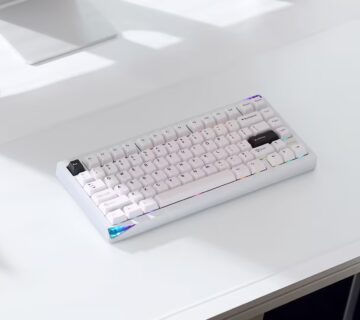
Akko 5075 V5 TMR uses TMR sensing with Akko MagMech technology, allowing the keyboard to support compatible magnetic switches as well as standard mechanical switches on the same platform.
With magnetic switches installed, it supports features such as adjustable actuation and Rapid Trigger, while mechanical switch compatibility gives users more flexibility to change switch feel and sound.
Choosing a Switch Type
Choose mechanical switches when feel variety, sound tuning, broad replacement availability, or tactile and clicky feedback matters most.
Choose optical switches when you want contactless digital sensing and the keyboard’s specific optical ecosystem offers the feel and features you need.
Choose magnetic switches when adjustable actuation, Rapid Trigger, or travel-aware gaming functions are the priority. Evaluate the keyboard’s calibration, software, switch compatibility, and measured performance rather than buying on the sensor label alone.
Mechanical, optical, and magnetic switches are not simply old, fast, and fastest. They are three ways to translate key travel into data.
Mechanical switches close contacts and offer the deepest feel ecosystem. Optical switches detect controlled light changes. Magnetic switches measure a field across the key travel and unlock adjustable behavior. The best choice depends on the complete keyboard implementation and the experience the user actually wants.