



Akko Support
Order Tracking
Track the Shipping
FAQ
Products, Policy and more
Contact Us
We're available to help



Join Waitlist
We will inform you when the product arrives in stock. Please leave your valid email address below
Qty:
{{error}}
Thank you
{{ success}}
可选颜色
cloud-white
space-black
cosmic-orange
pink
sky-blue
sage
lavender
Join Waitlist
We will inform you when the product arrives in stock. Please leave your valid email address below.
{{key}}
Early Bird Offer
Early Bird Offer
Out of Stock
in stock
On Backorder
Please Select Options

Akko MetaKey
$39.99 – $49.99
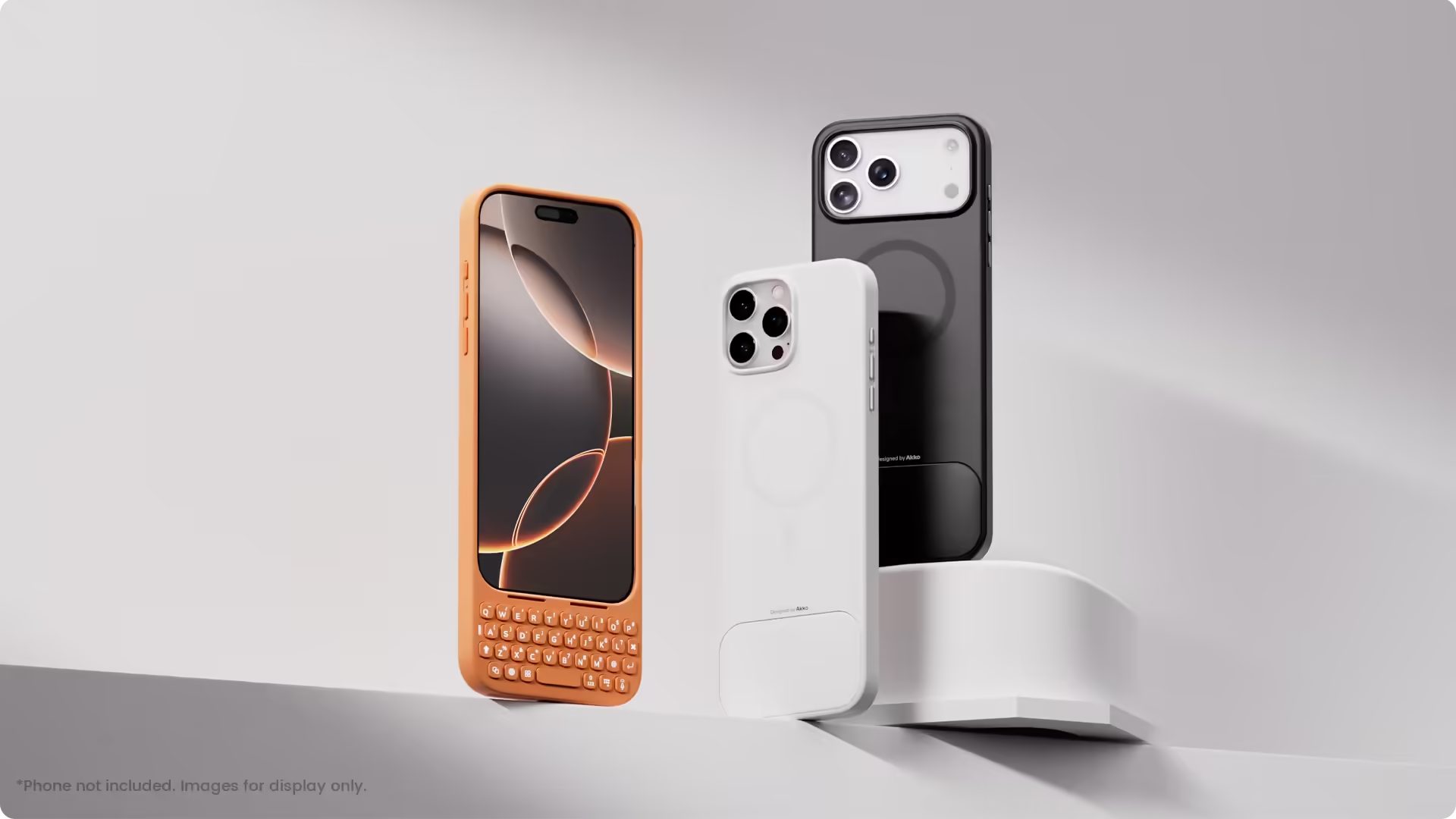
- Maximize Screen Space: Enjoy up to 50% more usable display for ultimate productivity.
- Magnetic Support: Features a built-in magnetic array for secure, instant attachment.
- Plug and Play: Simple and quick setup with direct USB connection.
- System Shortcut Keys: Gain one-tap access to essential actions, streamlining your IOS workflow.
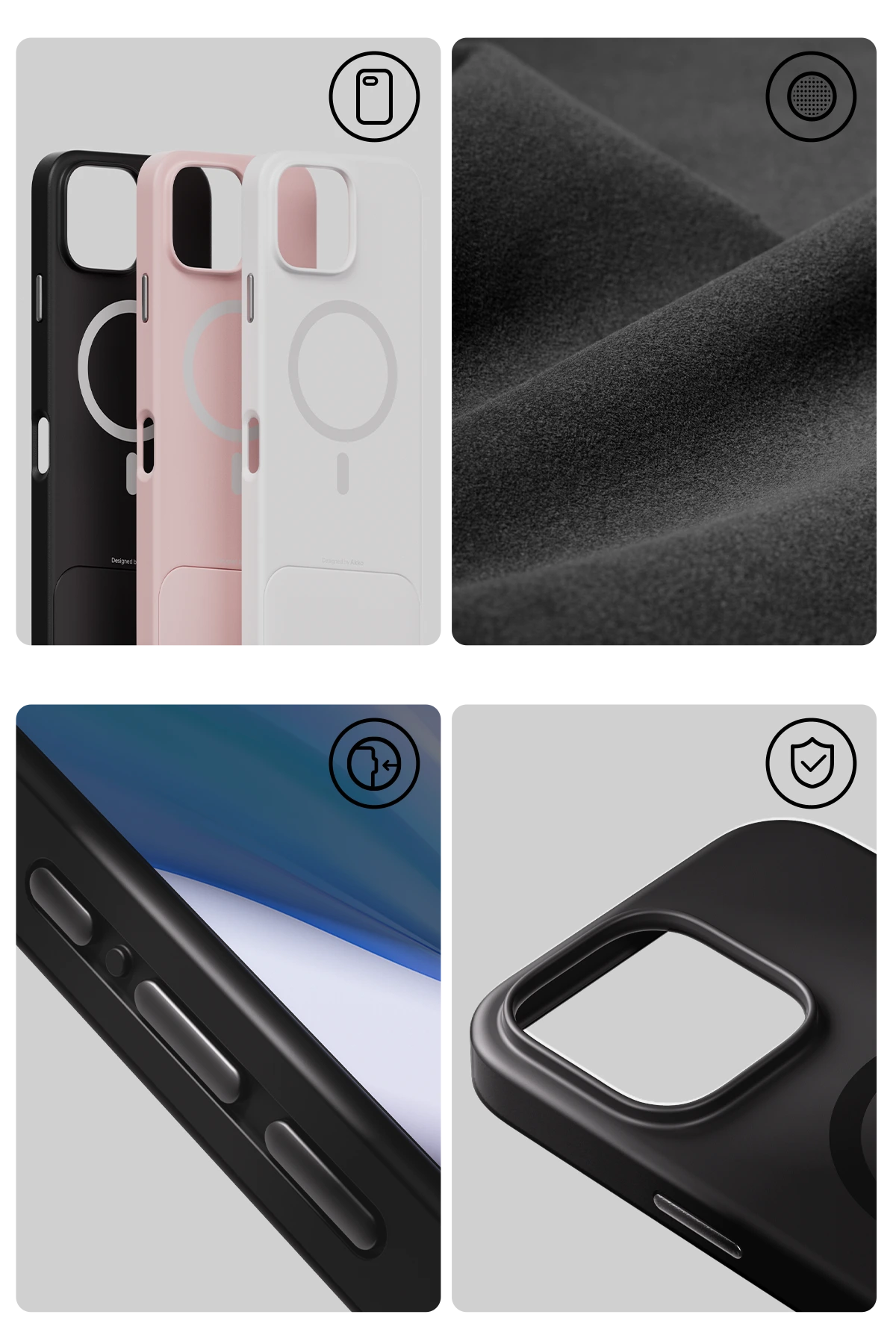
- Precision Cutouts: Guarantees easy access to all essential ports, microphone, and speakers.
Note: Direct data transfer requires the use of an adapter and installation of iTunes.
ADD-ONS
>
<
- Description
- Reviews
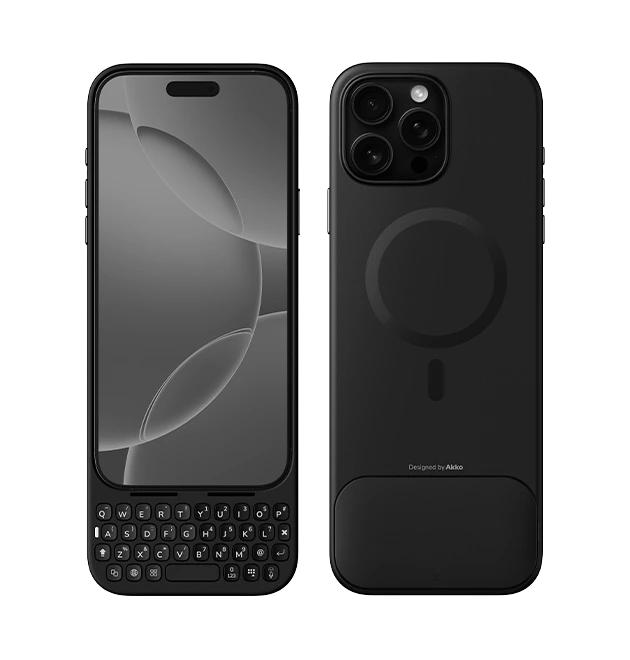
For
iPhone 16 Pro Max
Space Black | Cloud White | Pink
205*85*13mm
73g
Excludes weight block
37keys
26 Alpha keys
11 Function keys
11 Function keys
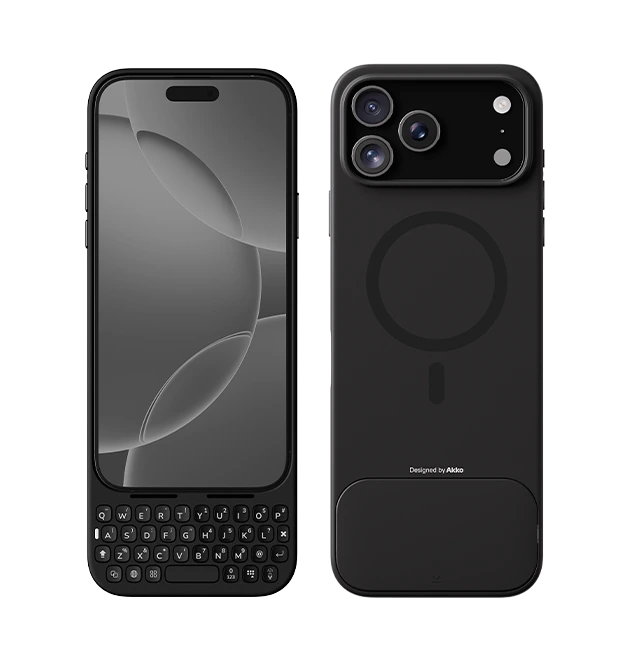
For
iPhone 17 Pro Max
Space Black | Cosmic Orange | Pink | Sky Blue | Lavender | Sage | Cloud White
205*85*13mm
78.9g
Excludes weight block
37keys
26 Alpha keys
11 Function keys
11 Function keys
*Phone not included. Images for display only.
We thought you’d ask...
Will you support other models?
+This is our very first keyboard dedicated to smartphones, so we greatly value and need your feedback. While we did plan to expand to other models (not limited to iPhone), we are also exploring more physical keyboard features that could be adapted for MetaKey for better experience and productivity, which takes the priority.
Does Akko MetaKey make typing faster?
+Although we’ve optimized the key feel, the time it takes for a key to travel and register naturally makes typing slightly slower than on a virtual keyboard. However, the feedback and satisfaction it delivers are unmatched. Apart from the enlarged size display, Akko MetaKey is designed for users who enjoy working with a real keyboard and care about the feel of typing — those who appreciate the comfort, rhythm, and joy that come with every keystroke.
What materials are used for the keycaps?
+The keyboard comes with polycarbonate keycaps, and the legends are laser-engraved for shine-through effect.
How long does it take to adapt to typing with physical buttons?
+There is a learning curve, but most users get used to MetaKey within about 2 days. Some users choose to use MetaKey exclusively for triggering a collection of shortcuts.
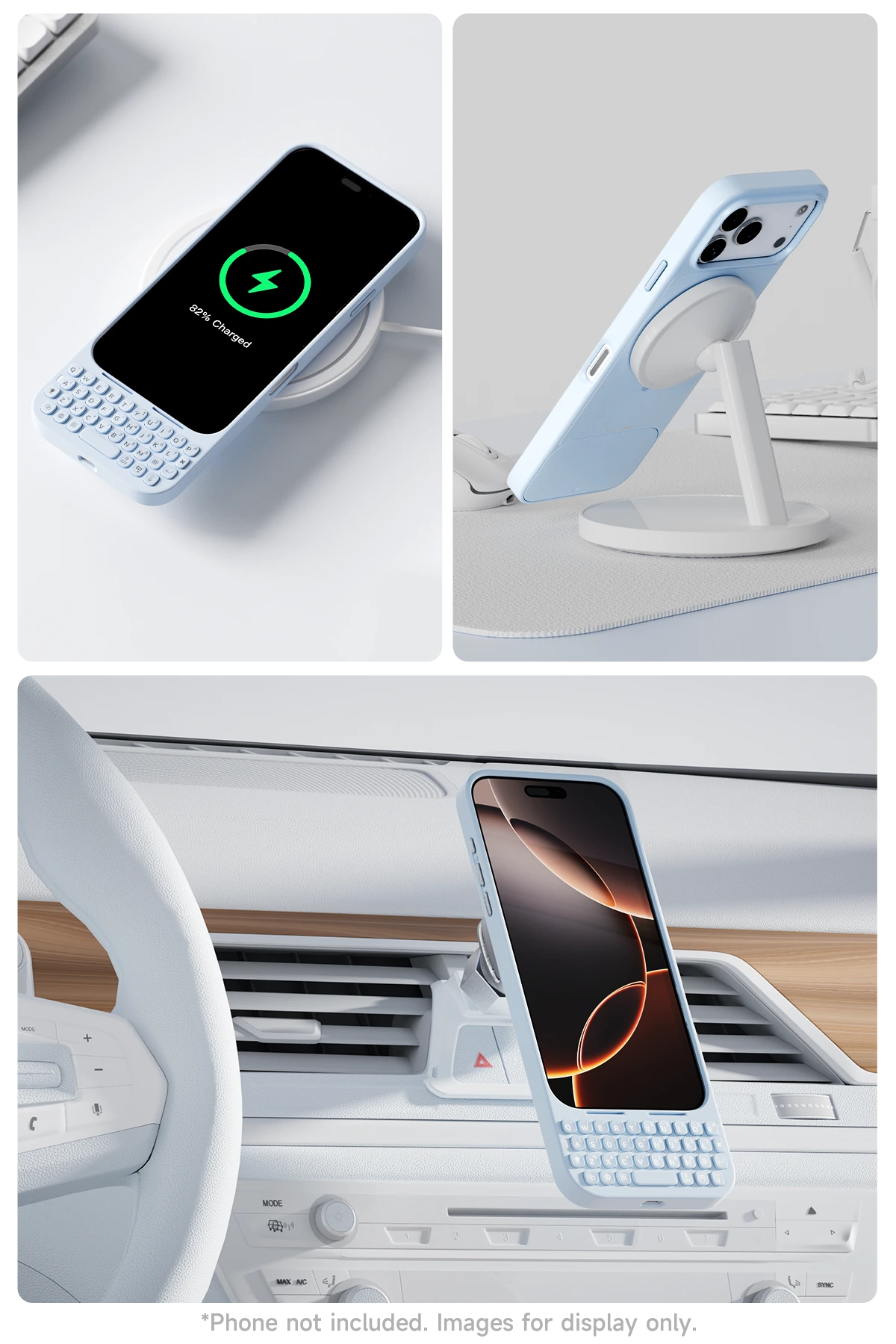
Magnetic Support
Features a built-in magnet array that works seamlessly with power banks, stands, and car mounts, making everyday use more convenient and hands-free.
Transferring Data to Computers
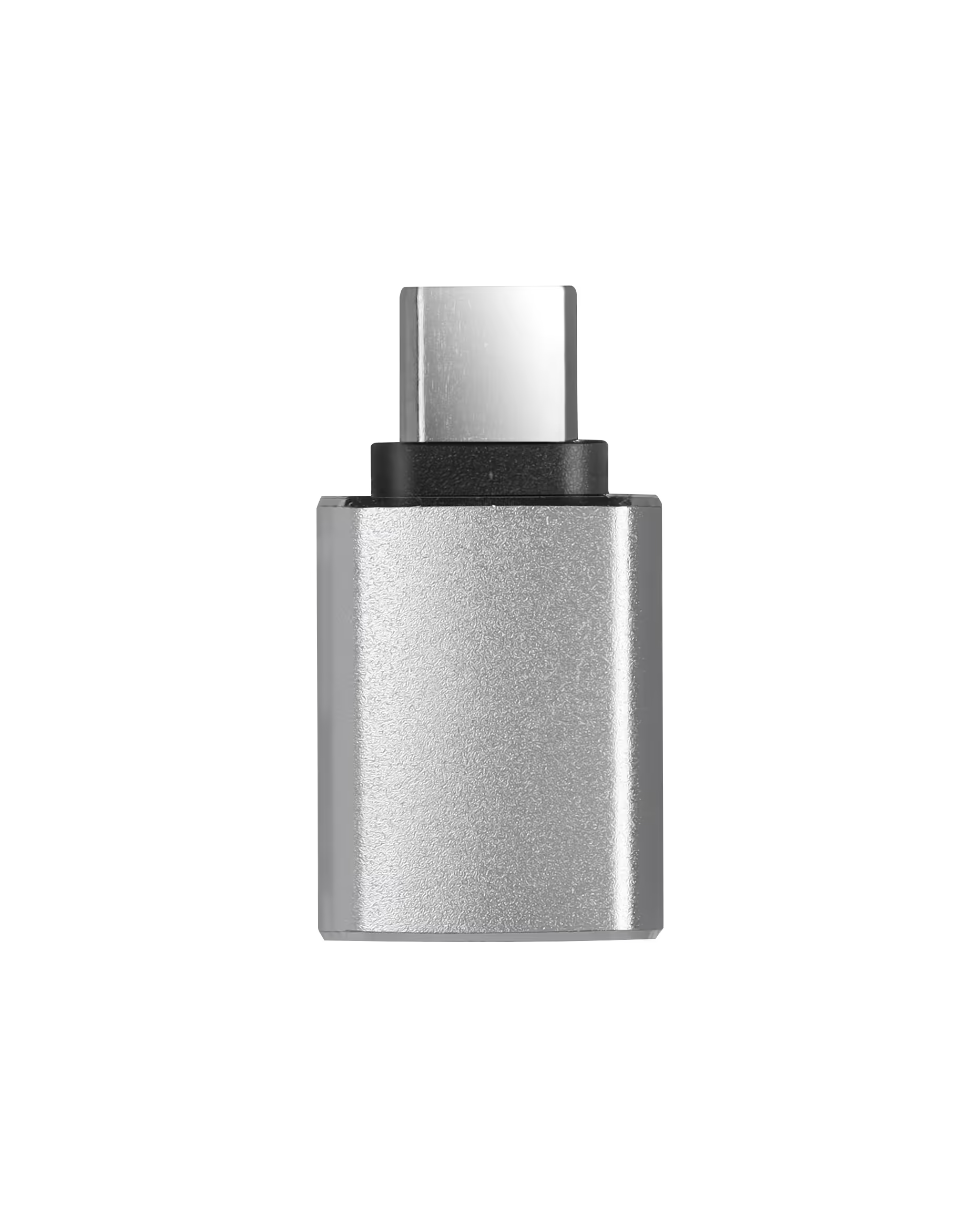
Since Metakey communicates with the computer via HID protocol, it must be connected through a USB-A port (2.0/3.0). There are two ways to connect:
1. For computers with a USB-A port: Use a USB-C to USB-A cable.
2. For computers with only a USB-C port: Use a USB-C to USB-A adapter (as shown on the left), then connect with a USB-A to USB-C cable.
💡 Tips: Remember to press Fn+Space to enter data transfer mode. For Mac System, iTunes installation is normally required.
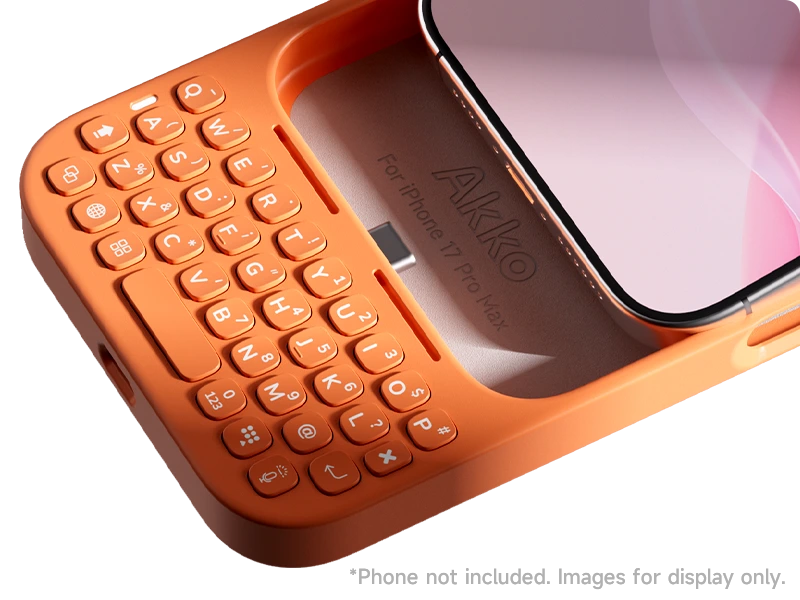
Plug and Play
The direct USB connection ensures a stable, lag-free link while allowing you to charge and use the product simultaneously.
PU+TPU
Combining the flexibility of PU and the impact resistance of TPU for enhanced durability and long-lasting performance.