





Optical vs Mechanical Mouse Switches: What Actually Changes Under Your Click
If you’ve ever compared gaming mice specs, you’ve probably seen terms like mechanical switch, optical switch, or even specific switch lifespans like “50 million clicks” vs “100 million clicks.”
But what actually changes between these technologies—and does it matter in real use?
Let’s break it down.
The Core Difference: Contact vs Light
At a fundamental level, mechanical and optical switches detect a click in completely different ways.
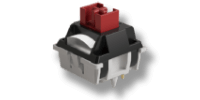
Mechanical Switch (Contact-Based)
A traditional mechanical switch relies on physical metal contacts. When you press the mouse button:
- A metal leaf spring bends
- Two metal contacts touch
- An electrical signal is completed
- The click is registered
Simple, reliable, and used for decades.
But there's an inevitable issue: physical contact introduces wear and signal instability over time.
Optical Switch (Light-Based)
Optical switches remove the electrical contact entirely. Instead:
- A beam of light (usually infrared) is continuously emitted
- A sensor detects that light
- When you click, a shutter blocks the beam
- The interruption is detected → click registered
No metal contact. No electrical bouncing.
MECHANICAL SWITCH
OPTICAL SWITCH
Debounce: The Hidden Problem Most People Don’t See
Mechanical switches don’t produce a clean signal instantly.
When the metal contacts touch, they actually bounce microscopically, causing multiple rapid on/off signals before stabilizing. This is called contact bounce.
To compensate, firmware adds a debounce delay (typically 5–20 ms) to filter out noise.
Why this matters:
- Adds a slight input delay
- Can degrade over time as the switch wears
- Is one of the root causes of the infamous double-click issue
Optical switches don’t have contact bounce. So:
- No debounce delay needed (or drastically reduced)
- Faster signal registration
- More consistent over time
This is one of the real, measurable advantages—not just marketing.
Durability: What “100 Million Clicks” Actually Means
Mechanical switches wear down because:
- Metal contacts oxidize
- Springs fatigue
- Contact surfaces degrade
That’s why even high-quality mechanical switches typically sit around 20–60 million clicks.
Optical switches avoid this failure mode:
- No electrical contact → no oxidation at the signal point
- Less mechanical stress on critical components
So ratings like 80–100+ million clicks are not just inflated numbers—they reflect a real structural advantage.
Click Feel: This Is Where It Gets Subjective
Here’s the part most spec sheets gloss over.
Mechanical Switch Feel
- More defined tactility
- Classic “crisp” click
- Slight variability unit-to-unit
Many people still prefer this feel—especially for general use.
Optical Switch Feel
- Often lighter and faster reset
- Slightly “cleaner” but sometimes perceived as less “chunky.”
- More consistent over time
For competitive use, that faster reset and consistency can matter more than raw tactility.
Latency: Is Optical Actually Faster?
Technically, yes—but not in a way you’ll always notice casually.
Where optical gains:
- No debounce delay
- Faster signal path
In real-world terms:
- Lower click latency
- More consistent response under rapid clicking
If you’re playing at a high level or doing rapid inputs, this becomes meaningful. Otherwise, it’s a marginal—but still real—benefit.
Here’s the honest breakdown:
Go Mechanical if:
- You care more about click feel and feedback
- You’re using it for general productivity or casual gaming
- You don’t mind eventual wear (most users won’t hit the limit anyway)
In fact, across the modding scene, a lot of custom builds that aim for a more “premium” or “satisfying” click still rely on carefully selected mechanical switches.
The reason is simple: mechanical designs offer more room for tuning tactility, stiffness, and sound, which makes them easier to tailor to specific preferences.
Go Optical if:
- You want maximum durability
- You care about low latency and consistency
- You want to avoid double-click issues entirely
A Practical Example
This difference shows up clearly when you compare two otherwise similar mice using different switch types.
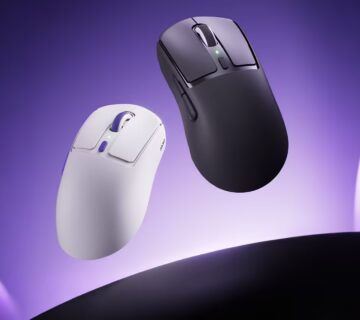
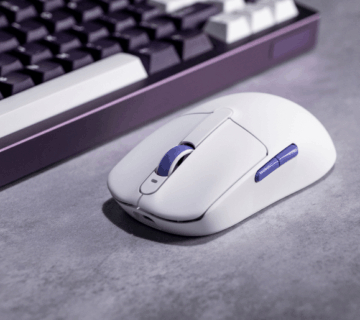
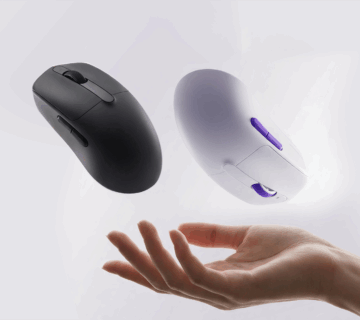
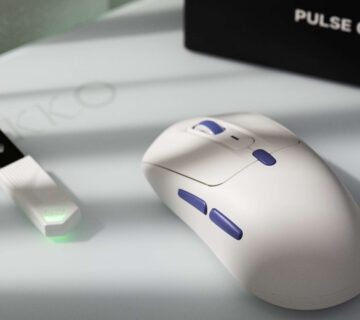
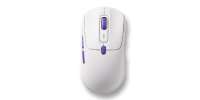
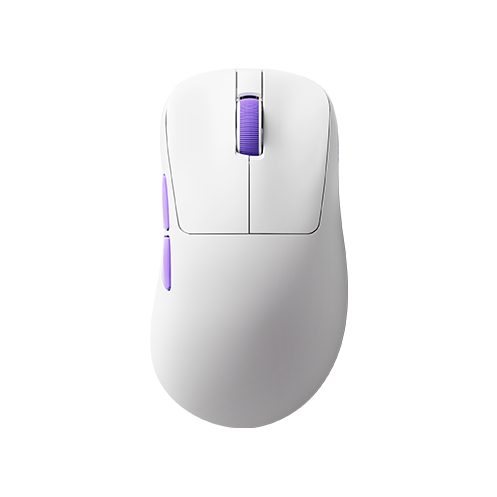
A mouse built around a traditional Omron mechanical switch—like the Akko Nest—delivers that familiar, tactile click that most users already like. For everyday use, it’s more than sufficient and feels immediately natural.
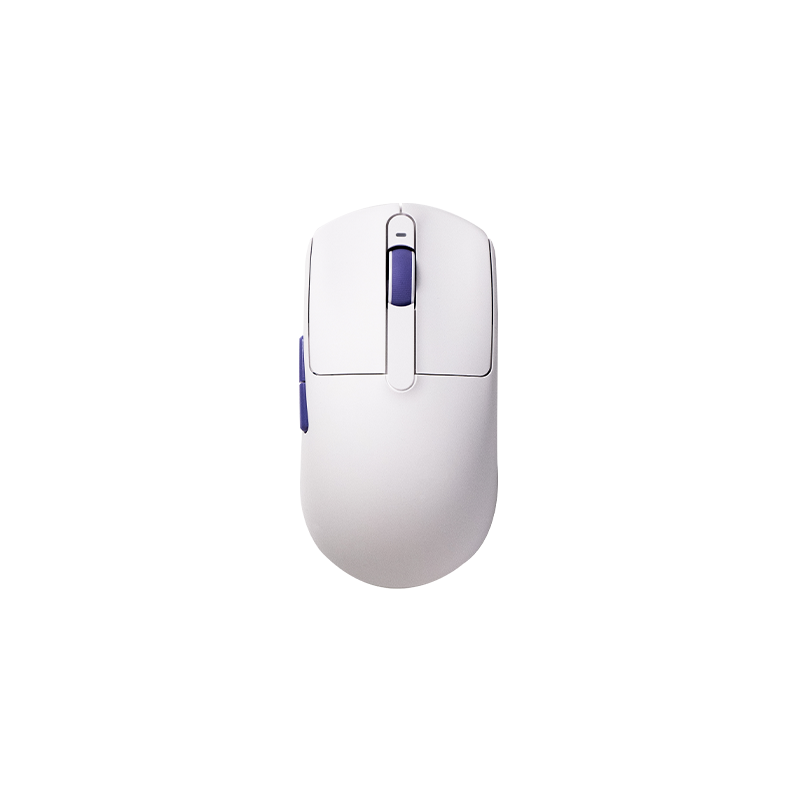
On the other hand, a model using an Omron optical switch—like the Akko Dash—leans into the advantages of optical design: significantly higher lifespan, faster actuation, and more stable long-term performance.
Most users won’t need the extra durability. But if you value consistency and speed—or just don’t want to think about switch wear again—the optical route starts to make a lot more sense.